$
0
FREE
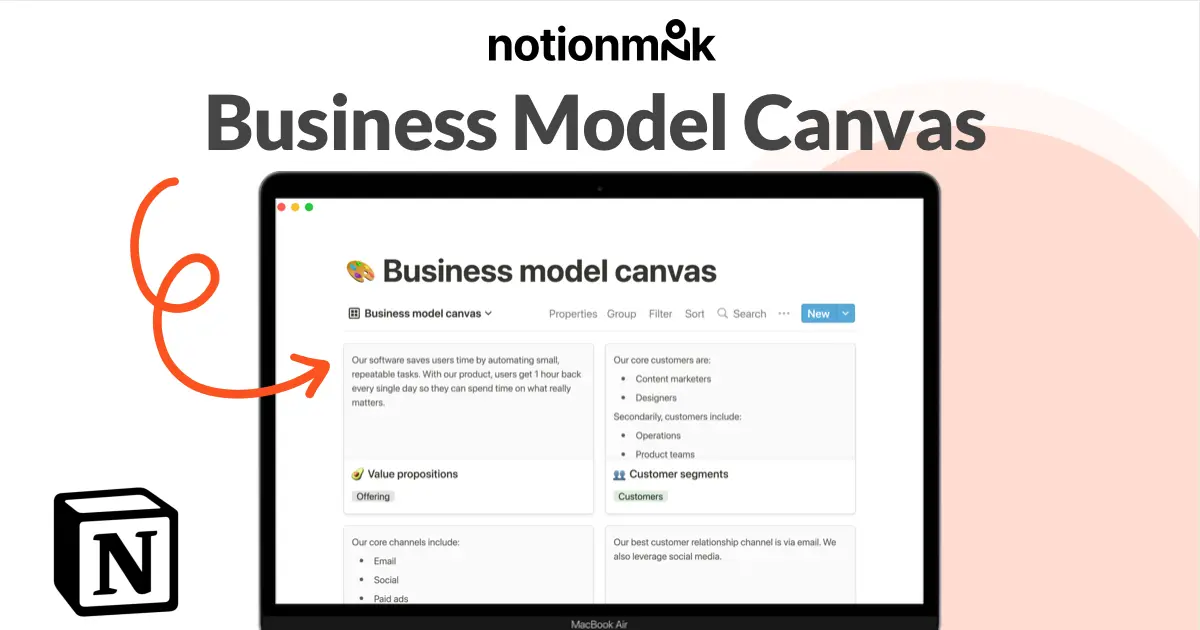
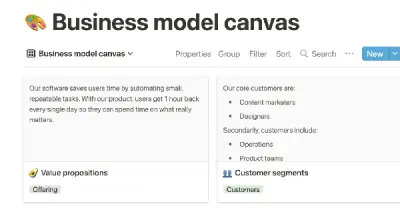
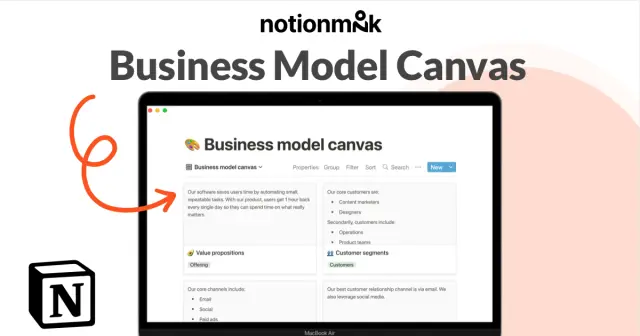
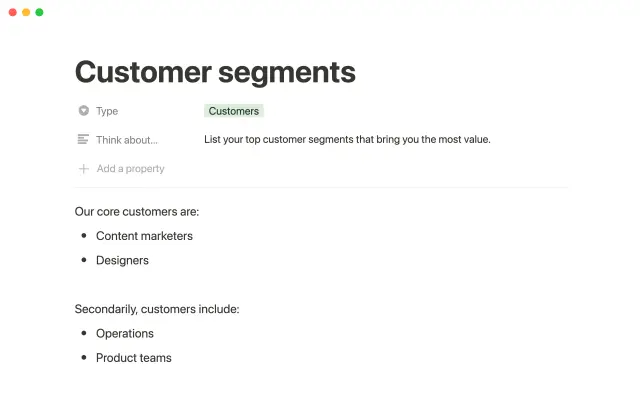
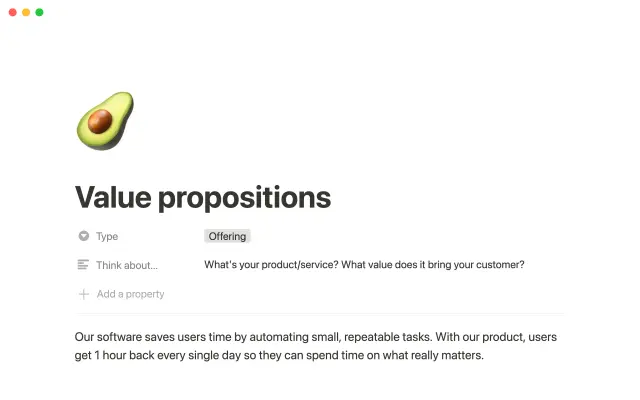
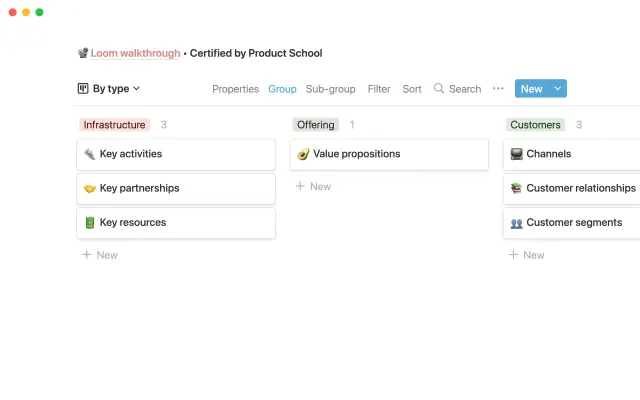
The following template helps you organize the key elements of your business, making it easier to identify opportunities, dependencies, and challenges. This template also allows you to clearly present your business plan to stakeholders in a organized manner.


USE
FOR
OFF
The following template helps you organize the key elements of your business, making it easier to identify opportunities, dependencies, and challenges. This template also allows you to clearly present your business plan to stakeholders in a organized manner.
More templates from
Notion

This template allows students to plan their semester or quarter by tracking the weight of assignments, exams, and projects towards their final grade. Students can enter their grades to see how they are doing and prioritize their time accordingly. The template includes formulas to automatically calculate and update the student's progress.

Track your habits and stay accountable by using this table. Simply replace the existing column titles with the habits you want to track. You can check off items, enter numerical data, or even write text to build a journaling habit. Each day, create a new row and record your progress. Use filters and sums to track your progress over time and monitor any trends. This table is great for daily challenges or keeping track of your habits.

A standard operating procedure (SOP) is a document that outlines how certain tasks or processes should be carried out within a company. Although SOPs can be used for a variety of purposes, the most effective ones share certain characteristics. Here, we have outlined these characteristics to help your team customize this SOP to meet the needs of various departments.

In the 1940s, Walter Pauk, a professor at Cornell University, created a new method of taking notes to help college students organize, condense, and understand the material they were learning. This system has been shown to be very effective as a learning tool. Here, we will explain how to use it in Notion.

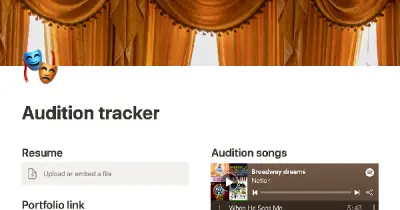
This product allows you to manage the entire job application process on one page. You can organize your resume, cover letter, and portfolio for easy access, and keep track of companies you've applied to with statuses and deadlines. You can sort or filter your applications by stage or due date on a calendar, and take notes on the company, position, hiring manager, your personal preferences, and anything else you need to remember during the application and interviewing process. This can help you stay organized and on top of your job search.

This product helps you track your spending and reach your financial goals. You can set a monthly budget and enter your expenses in the database. The filters allow you to view your expenses in different ways, such as by category or by month. You can also view your expenses on a calendar or in a Kanban-style board, broken down by category. This can give you a better understanding of your spending habits and help you make more informed financial decisions.

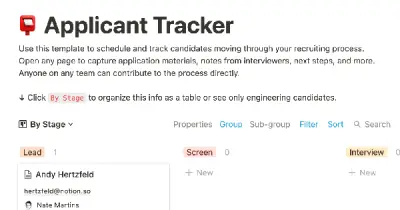
As an interviewer, your goal should be to get to know your candidate and help them feel prepared and confident. That's why at Notion, we have created a guide to help you prepare for interviews with us. We have included tips and resources to help your candidate feel more at ease, as well as customizable templates for different roles and departments. By using these templates, you can provide your candidate with important information, such as videos, links, schedules, and more, to help them prepare for their interview.

You can use this template to manage projects and issues for your whole team. Every member of your team can create new tasks, view the tasks they are assigned to, and track progress. Each card on the board can be opened into its own page to store research, notes, and even sub-tasks in the same place. You can also add tags to each card to designate department and priority, and add the people involved so that everyone knows what their colleagues are working on. This makes it easy to filter and find specific tasks.

Use this content calendar to plan and track all the content you want to publish — from blog posts to podcasts to tweets. Each item on the calendar represents a project, where you can designate the author and the type of content, as well as its current status. You can use the calendar to store all related notes, research, and multimedia, and do all your writing in one place. You can also customize the calendar to show different views, such as a board view grouped by status to see your content moving through different stages of completion.
Related templates

Allowing other teams to request mass email campaigns can improve cross-functional collaboration and enhance your marketing strategy. The Notion team uses a template to standardize email requests and collaborate asynchronously. The template includes pre-built database views, which allow users to see the same data in different ways. By using this template, teams can encourage others to send email campaigns and keep track of relevant context.

The "template" mentioned in the text is a tool that helps individuals keep track of their investor contacts and communication history. It allows users to store various types of data, such as average check size, emails, and warm contacts, in a single database. The template also provides the ability to view contacts by status, add notes and links to investor websites, and prepare for pitches. Using this template can help prevent common mistakes such as accidentally emailing an investor or showing up to a meeting unprepared. It can be thought of as a digital version of a planner or organizer for managing investor relationships.

According to Aaron Harris, Group Partner at Y Combinator, effective founders are known for writing frequent and well-written updates on the progress of their business. This not only demonstrates their attention to metrics and their commitment to consistent growth, but it also allows investors to easily stay informed about the company's progress. Instead of sending disorganized updates via email, this Notion template can help founders create comprehensive, digestible reports for investors. This can help founders present a more professional and organized image, increasing the likelihood of securing funding and support.

We use this product management system to keep track of all our product and engineering projects, as well as communicate updates to the rest of the company. This system has four main components: Teams, Tasks, Projects, and Weekly updates. These components are all linked together, making it easier to keep using this system effectively.

This template from another company can help you validate your startup ideas before building your product. By adopting a user-centric approach, you can create products that people will love. The template also helps you deliver your product on time using smart time boxing, plan your marketing, and track revenue and costs.

Use this template from Notion to easily list and edit job openings at your company. The platform allows you to make real-time changes to a public-facing job site. You can tag each position with the date and time it was added, as well as the specific team it belongs to. This eliminates the need for a complicated CMS or over-featured system for posting jobs. Simply add the content you want as easily as creating a document and share it with the world.

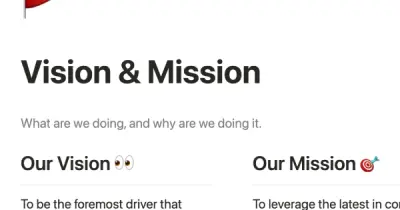
Buffer, a company with employees in 16 time zones, values transparency in its culture and operations. This approach guides how people work and collaborate within the organization. This Notion workspace template is based on Buffer's approach and can be used to make your company, team, and individual goals accessible to everyone. By adopting a transparent approach, you can promote collaboration and support your team's success.