$
0
FREE
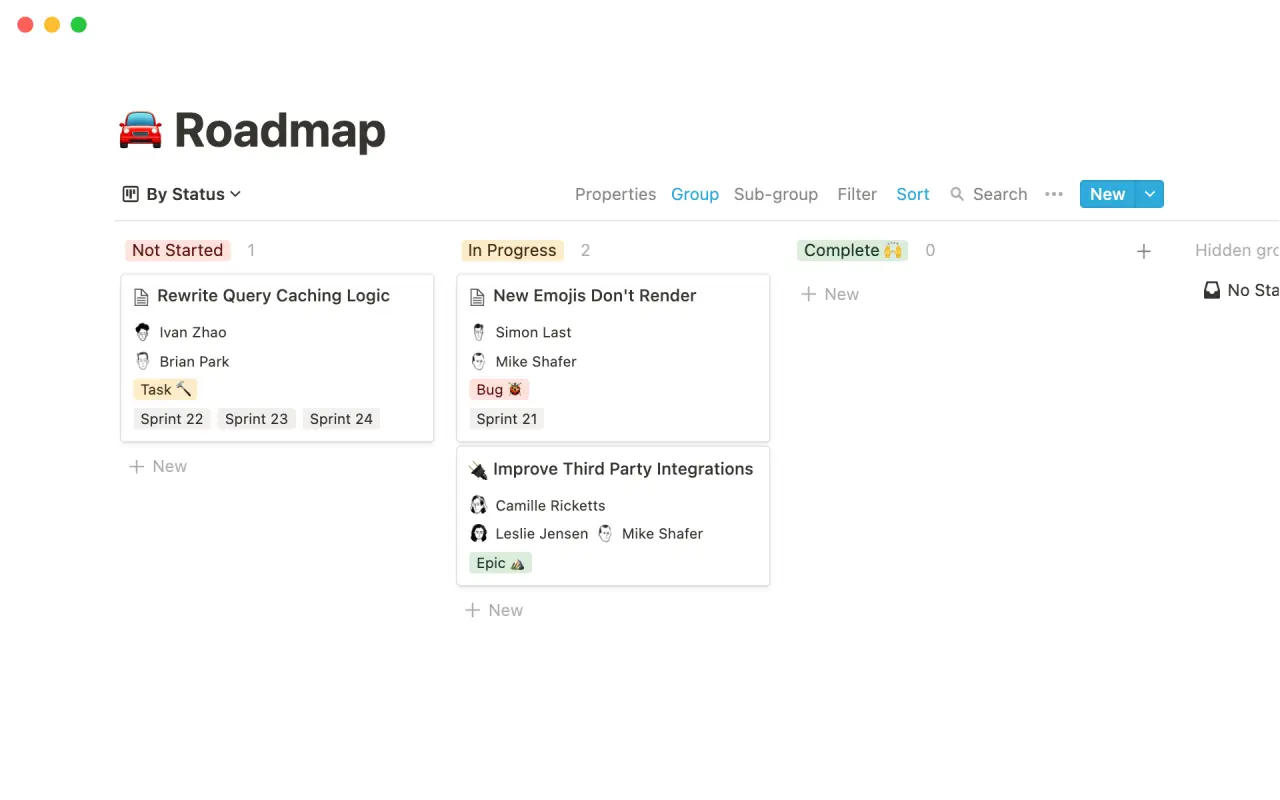
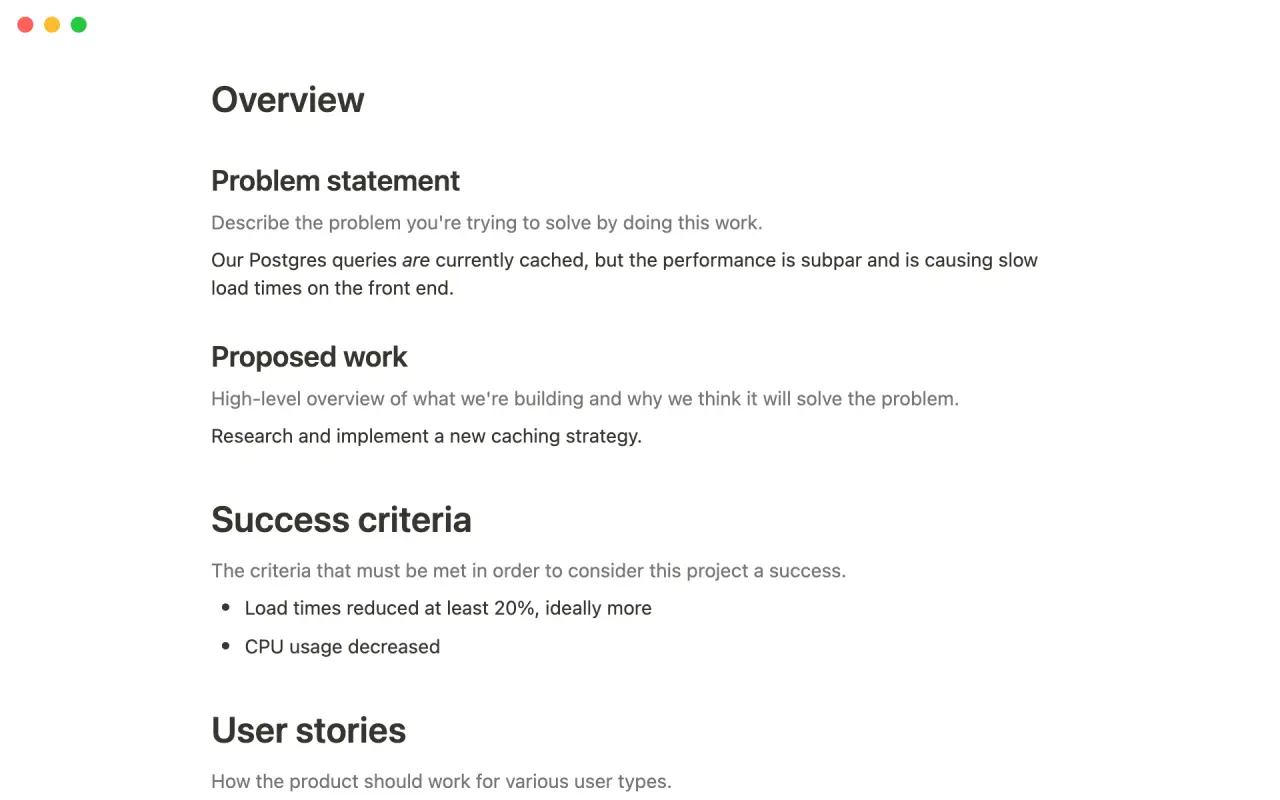
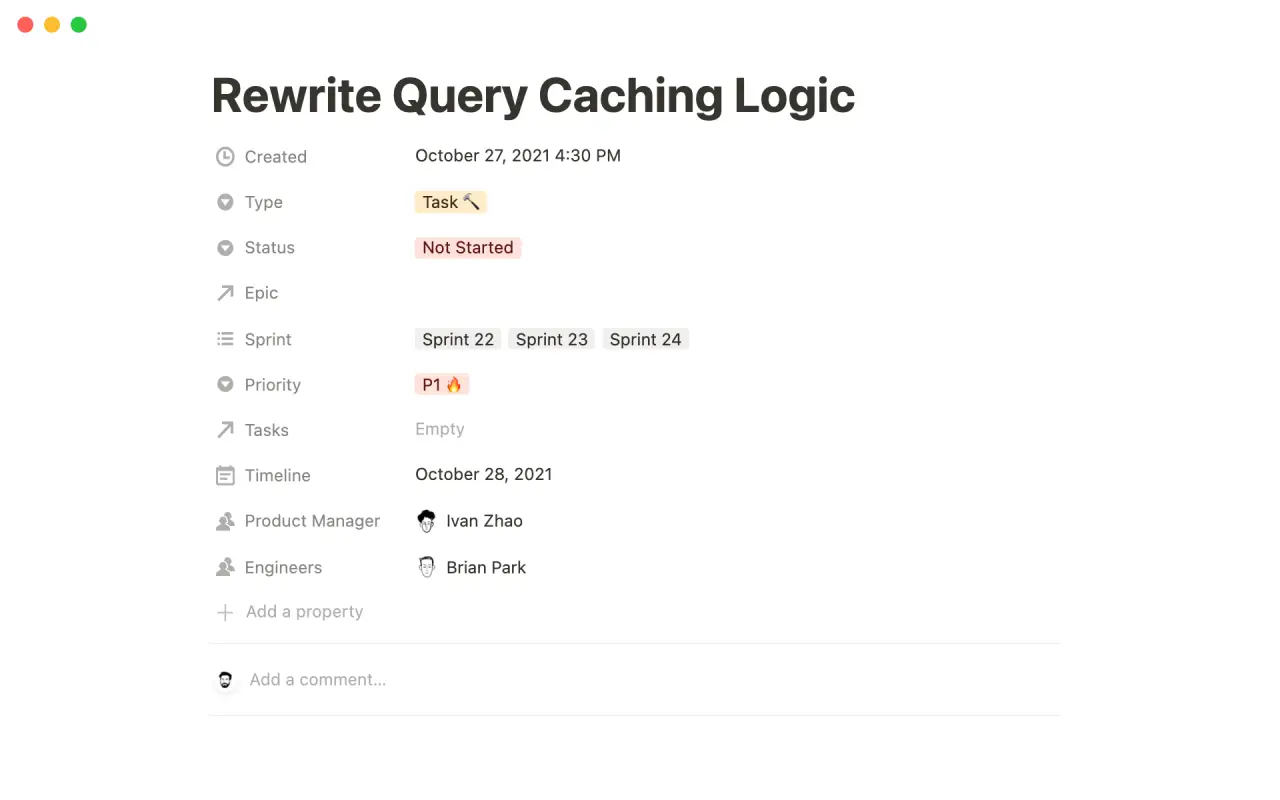
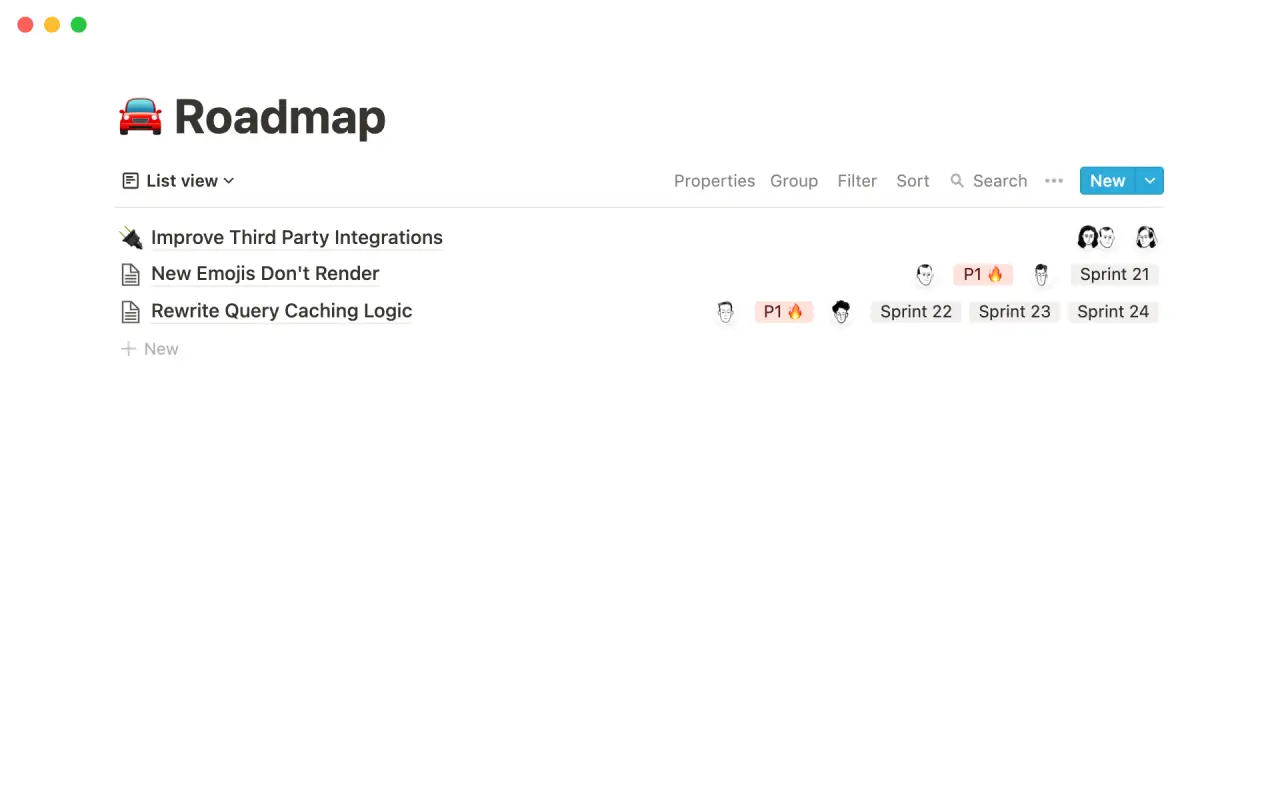
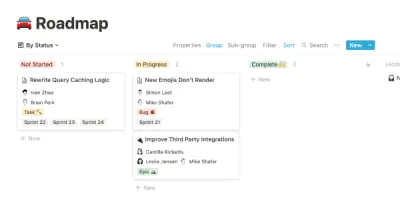
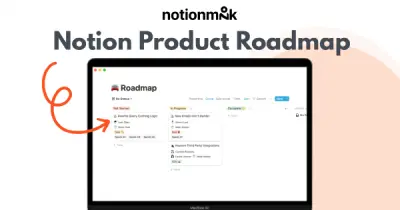
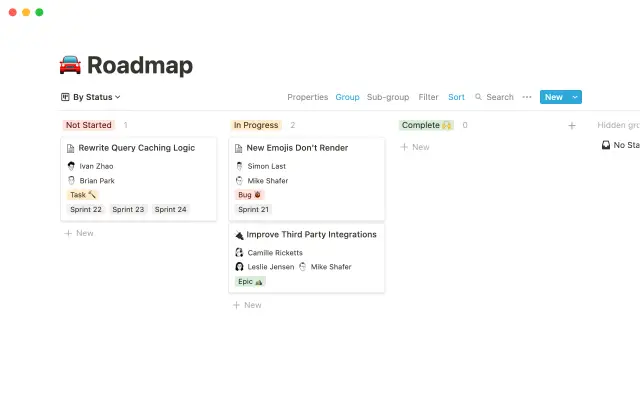
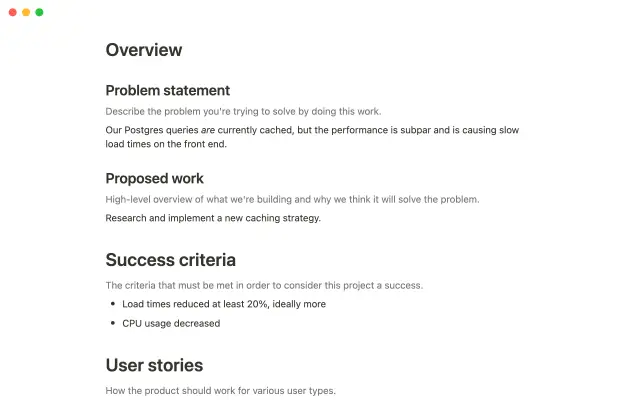
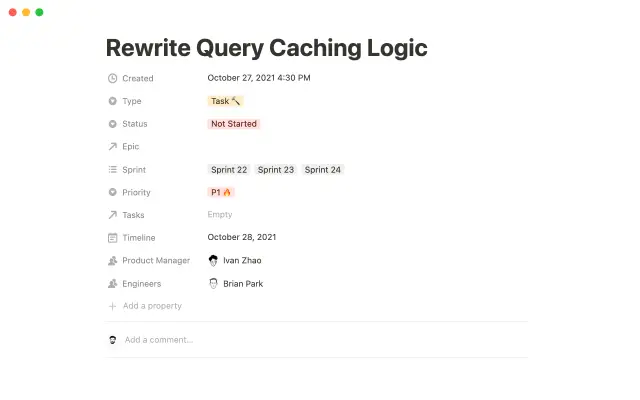
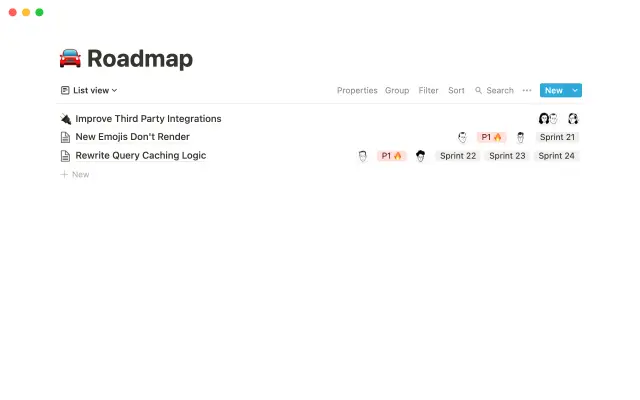
The template allows users to track and organize their project work. It is divided into epics, sprints, tasks, and bugs. Users can view the database in different ways to see projects by status, engineer, or product manager. The template also includes pre-made templates for various types of tasks, which can be customized and supplemented with additional properties to track important information. This helps save time and streamline the project management process.
Details
Categories


USE
FOR
OFF
The template allows users to track and organize their project work. It is divided into epics, sprints, tasks, and bugs. Users can view the database in different ways to see projects by status, engineer, or product manager. The template also includes pre-made templates for various types of tasks, which can be customized and supplemented with additional properties to track important information. This helps save time and streamline the project management process.
Categories
Monthly newsletter
No spam. Just the latest releases and tips, interesting articles, and exclusive interviews in your inbox every week.
Thank you! Your submission has been received!
Oops! Something went wrong while submitting the form.
More templates from
Notion

This template allows students to plan their semester or quarter by tracking the weight of assignments, exams, and projects towards their final grade. Students can enter their grades to see how they are doing and prioritize their time accordingly. The template includes formulas to automatically calculate and update the student's progress.

A standard operating procedure (SOP) is a document that outlines how certain tasks or processes should be carried out within a company. Although SOPs can be used for a variety of purposes, the most effective ones share certain characteristics. Here, we have outlined these characteristics to help your team customize this SOP to meet the needs of various departments.

This product is designed to help you plan and write a thesis or dissertation. It includes features that can help you brainstorm and evaluate potential topics, keep track of your sources and notes, and stay on schedule with a timeline of due dates. You can also use this tool to draft your content in the same space, making it easy to keep everything organized and accessible. Overall, this product is intended to provide you with a comprehensive and convenient workspace for working on your thesis or dissertation.

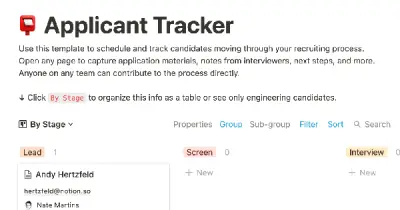
As an interviewer, your goal should be to get to know your candidate and help them feel prepared and confident. That's why at Notion, we have created a guide to help you prepare for interviews with us. We have included tips and resources to help your candidate feel more at ease, as well as customizable templates for different roles and departments. By using these templates, you can provide your candidate with important information, such as videos, links, schedules, and more, to help them prepare for their interview.

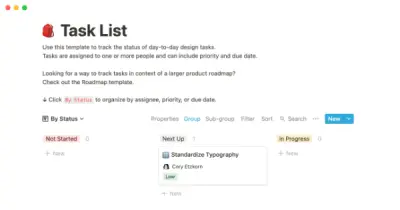
You can use this template to manage projects and issues for your whole team. Every member of your team can create new tasks, view the tasks they are assigned to, and track progress. Each card on the board can be opened into its own page to store research, notes, and even sub-tasks in the same place. You can also add tags to each card to designate department and priority, and add the people involved so that everyone knows what their colleagues are working on. This makes it easy to filter and find specific tasks.

In addition to academics, many students are involved in extracurricular activities like clubs and organizations. Notion is an excellent tool for managing information related to these groups and activities. With this template, you can create institutional knowledge, keep it organized, capture ideas, and keep everyone on the same page. Use this template to manage your clubs and teams effectively and efficiently.

Track your habits and stay accountable by using this table. Simply replace the existing column titles with the habits you want to track. You can check off items, enter numerical data, or even write text to build a journaling habit. Each day, create a new row and record your progress. Use filters and sums to track your progress over time and monitor any trends. This table is great for daily challenges or keeping track of your habits.

In the 1940s, Walter Pauk, a professor at Cornell University, created a new method of taking notes to help college students organize, condense, and understand the material they were learning. This system has been shown to be very effective as a learning tool. Here, we will explain how to use it in Notion.
Related templates

This is a launch template from Notion that provides a central location for your project. It allows you to gather all the necessary information, create relevant documents, and track tasks across multiple people and teams. This template is useful for any launch collaboration and even includes templates for pre- and post-mortem discussions. It is highly recommended for anyone working on a launch project.

A product requirement document (PRD) is a valuable tool for understanding how users interact with your product. This template provides a framework for providing key context, setting goals and KPIs, indicating limitations, writing assumptions about your audience, and identifying dependencies. Use the task section to track all the work that needs to be done for the project, filter by status and PM, and get a general overview of all the tasks related to your product.

Camilla Alvarez is a busy entrepreneur who has successfully balanced the demands of running a startup with maintaining a healthy personal life. Our video "The Search" features a look at Camilla's workspace and how she uses Notion to manage both her personal habits and her business. Currently, Camilla is focused on achieving her daily fitness goals and hiring a Head of Engineering, but her dashboards can be adapted to fit any changing priorities. You can duplicate her entire workspace, including her workout tracker and engineering interview guidelines, and customize it to suit your own needs.

A shared reading list is a great way for your company to learn together. Many teams simply post links to interesting articles, podcasts, or videos in Slack, but these quickly get buried by other messages and few people actually follow up on them. This template allows you to create a central list of interesting readings where everyone on your team can contribute and engage with the material whenever they have a chance. This way, you can keep track of your team's learning progress and make sure everyone has access to valuable resources.

Hex is a collaborative data platform that allows teams to explore, analyze, and share data in a single, centralized location. Hex makes it easy to build and share data-driven applications that can be used by anyone, and now fully integrates with Notion. This integration allows users to include Hex apps directly on their Notion pages, eliminating the need for chart screenshots and other manual workarounds. This template can be used to streamline information flow between Notion and Hex, reducing overhead and improving collaboration.

A personalized homepage can be a valuable tool for teams in your company, providing a central location where they can organize and access information specific to their work. These team wikis can also make it easier for other teams to find the information they need when collaborating on projects. This template can be duplicated and customized for each team, allowing them to create their own pages and replace any existing headers or pages with ones that are relevant to their work. This can help teams stay organized and efficient, improving overall collaboration and productivity.

+1 Labs, the innovation lab at Match Group (Tinder, Hinge, Match, OkCupid), developed this roadmap template to help teams prioritize their big bets for the year and maintain a clear vision and focus. The template is designed to provide clarity around what the team wants to pursue and when, allowing them to move forward with confidence and direction. By using this template, teams can better align their efforts and resources towards achieving their most important goals.

This template provides a simple and effective way to set and track objectives and key results (OKRs) using the popular goal-setting method. With this template, users can easily prioritize their goals and monitor progress towards achieving them. The template comes with a set of frequently asked questions (FAQs) to help users get started with setting and tracking their OKRs. Additionally, users can update key results as needed to stay on track and share their progress with others.

The following is a modified version of a project management template that can be used to coordinate any team effort. This template is based on the one used by the team at The Futur for prelaunching digital products, but all specific and detailed information has been removed. Use this structure to help manage your own team projects.