$
0
FREE
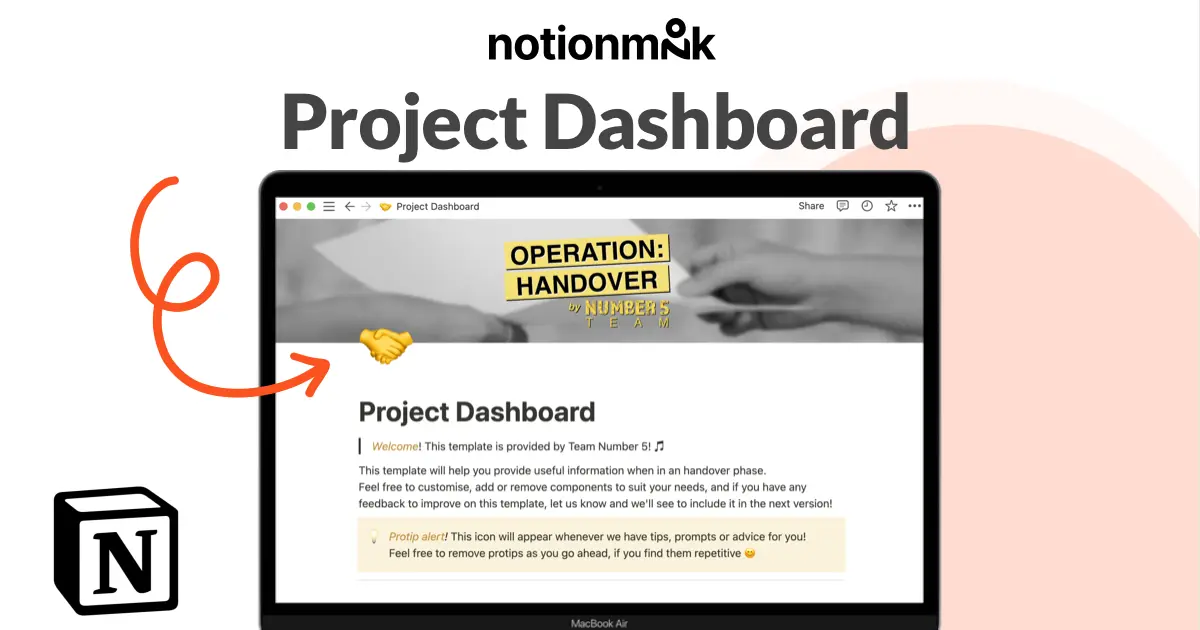
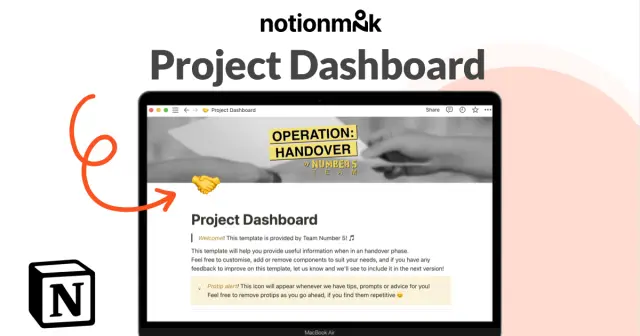
This template is designed to help professionals streamline their handover processes by providing clear instructions for setting up new team members with all the necessary information about a project. It is intended to make it easier for professionals to manage handover procedures and ensure that new team members are quickly up to speed.
Details


USE
FOR
OFF
This template is designed to help professionals streamline their handover processes by providing clear instructions for setting up new team members with all the necessary information about a project. It is intended to make it easier for professionals to manage handover procedures and ensure that new team members are quickly up to speed.
Monthly newsletter
No spam. Just the latest releases and tips, interesting articles, and exclusive interviews in your inbox every week.
Thank you! Your submission has been received!
Oops! Something went wrong while submitting the form.
More templates from
Team Number 5

This template is designed to help professionals streamline their handover processes by providing clear instructions for setting up new team members with all the necessary information about a project. It is intended to make it easier for professionals to manage handover procedures and ensure that new team members are quickly up to speed.
Related templates

This tool is designed to help individuals and teams manage their projects and tasks more efficiently. With features like infinite sub-issues, sprint tracking, due date estimates, and progress tracking, it can help you stay organized and on top of your work. Additionally, the tool provides suggestions for what to do next and helps identify outdated tasks so you can focus on the most important work. Overall, this tool can help you and your team work more effectively and efficiently.

We use this product management system to keep track of all our product and engineering projects, as well as communicate updates to the rest of the company. This system has four main components: Teams, Tasks, Projects, and Weekly updates. These components are all linked together, making it easier to keep using this system effectively.

I've tried other project management services in the past, but I always end up coming back to Notion. That's why I created an Instagram feed planner that uses a simple Notion gallery view and a template to easily add new posts. You can schedule posts and view them on a calendar, making it easy to plan and manage your social media content. I'm always happy when I can keep everything in one place with Notion.

To keep track of your project work, try using this template. It allows you to organize your projects into epics, sprints, tasks, and bugs. You can view the database from different angles to see the status of projects, who is working on them, and which product managers are responsible for them. The template also includes pre-made templates for each type of task, which you can customize and add to as needed. Additionally, you can add custom properties to track important information relevant to your projects.

Allowing other teams to request mass email campaigns can improve cross-functional collaboration and enhance your marketing strategy. The Notion team uses a template to standardize email requests and collaborate asynchronously. The template includes pre-built database views, which allow users to see the same data in different ways. By using this template, teams can encourage others to send email campaigns and keep track of relevant context.

If you're a self-employed food delivery driver, you have a lot to manage, such as mileage, earnings, and taxes. If you're like me, you probably have bits of data scattered across several different apps. Fortunately, the Delivery Tracker Notion Template is now available for download at no cost! This template will help you keep all of your important information organized in one place.