$
0
FREE
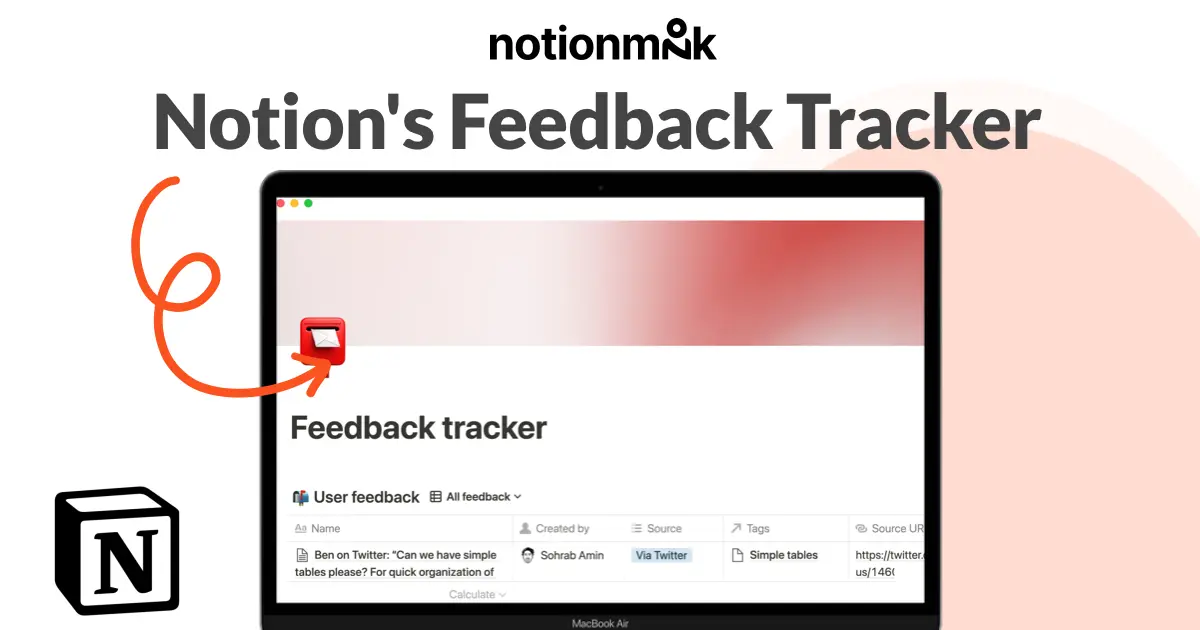
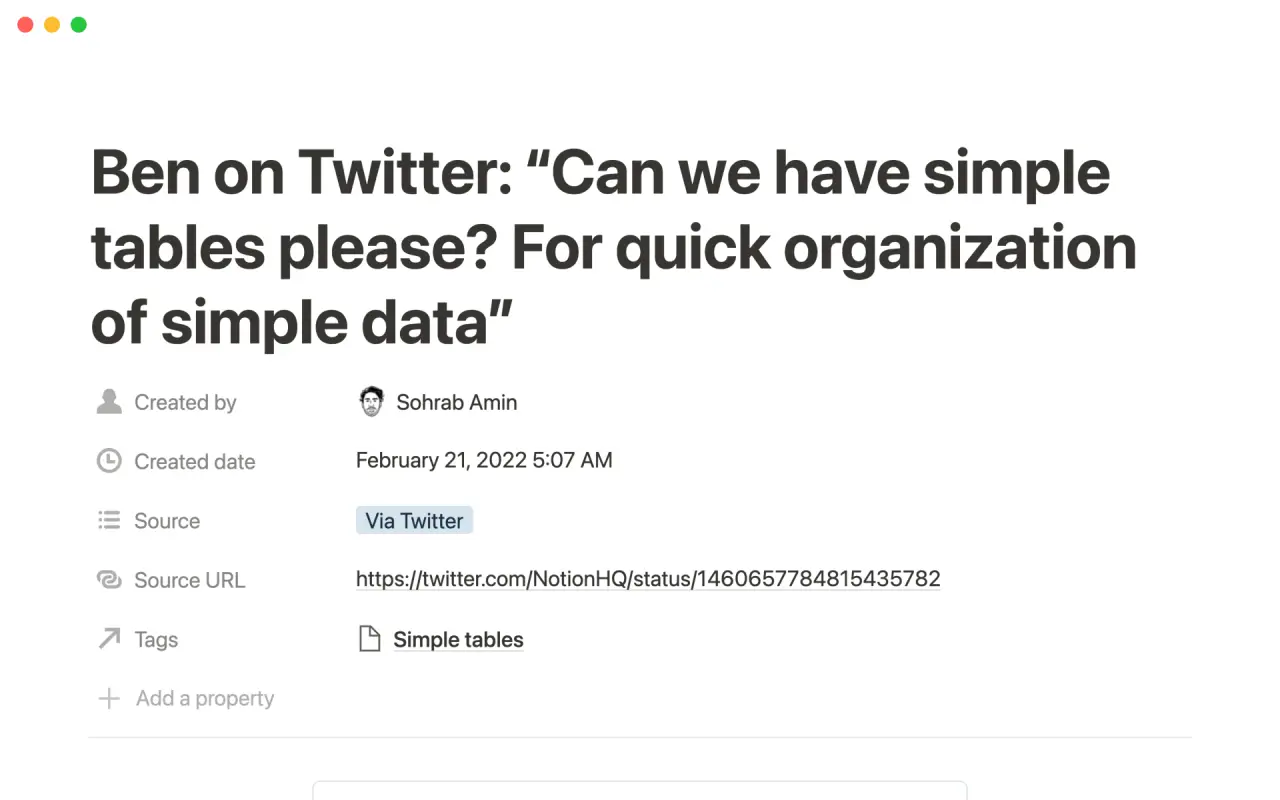
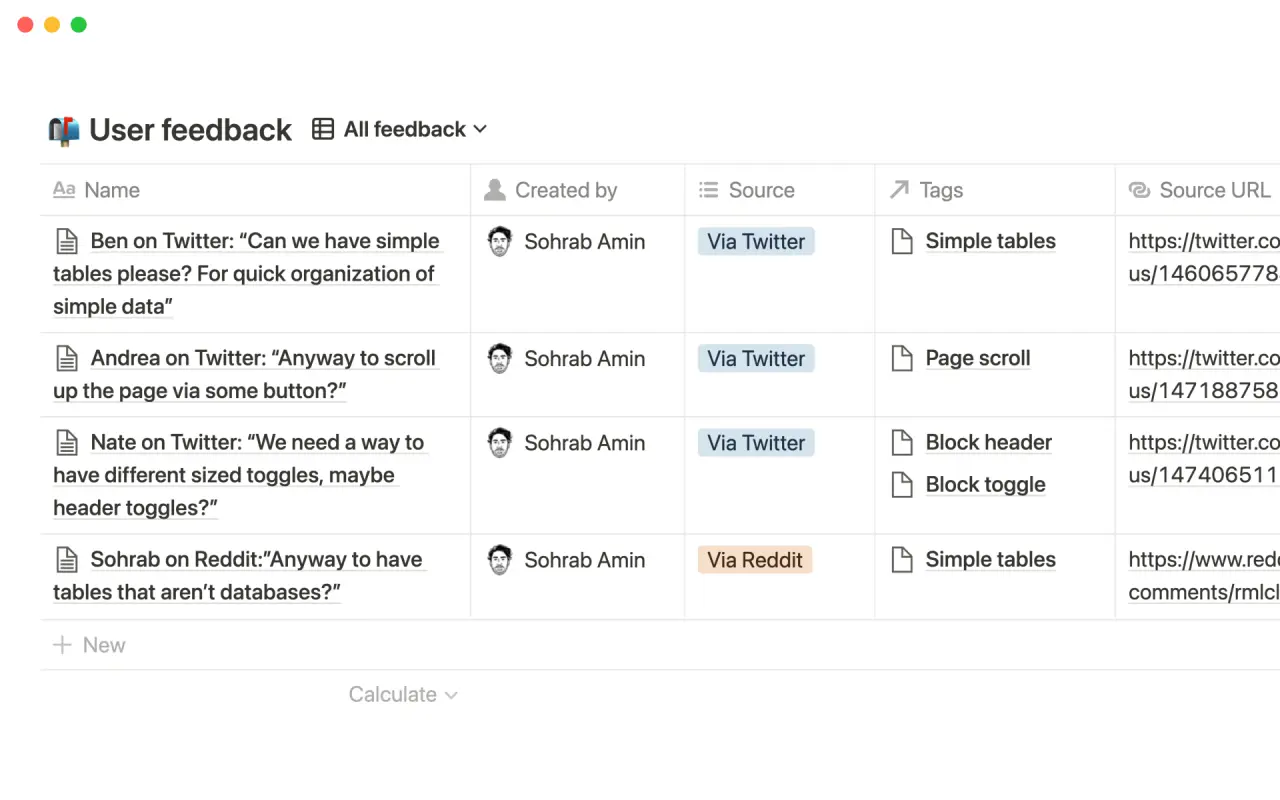
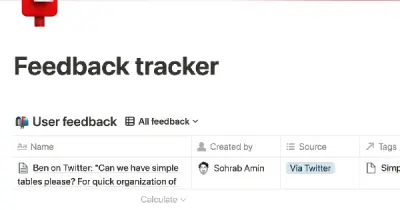
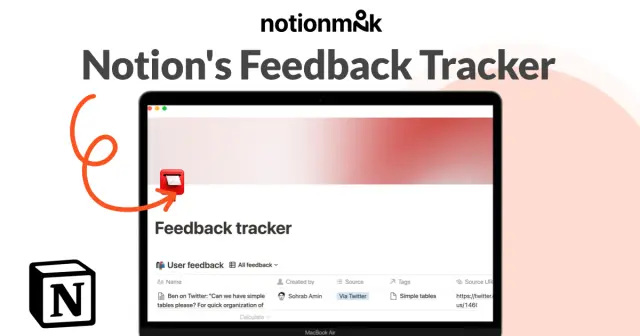
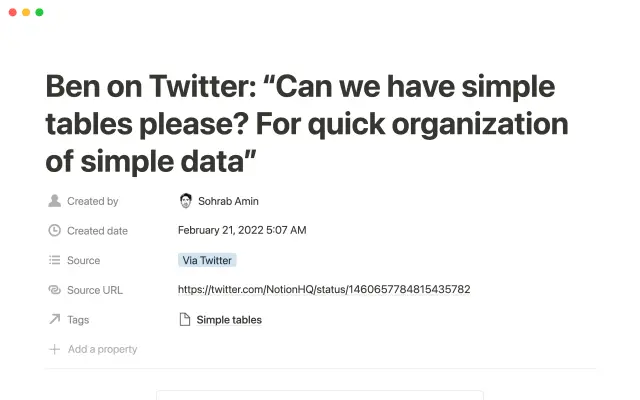
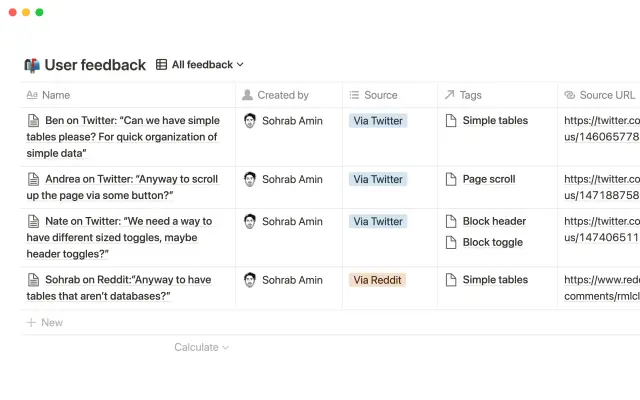
Collecting feedback is an essential part of any growing startup looking to improve their product. This feedback tracker allows you to centralize all of your product feedback from various platforms into a single, accessible database. Use the Notion Web Clipper to quickly capture online feedback and embed the details into a subpage. You can prioritize certain features by categorizing feedback with quantifiable tags. This template will help give your customers a voice and provide clarity on what the team should focus on.
Details
Categories


USE
FOR
OFF
Collecting feedback is an essential part of any growing startup looking to improve their product. This feedback tracker allows you to centralize all of your product feedback from various platforms into a single, accessible database. Use the Notion Web Clipper to quickly capture online feedback and embed the details into a subpage. You can prioritize certain features by categorizing feedback with quantifiable tags. This template will help give your customers a voice and provide clarity on what the team should focus on.
More templates from
Notion

This template allows students to plan their semester or quarter by tracking the weight of assignments, exams, and projects towards their final grade. Students can enter their grades to see how they are doing and prioritize their time accordingly. The template includes formulas to automatically calculate and update the student's progress.

A standard operating procedure (SOP) is a document that outlines how certain tasks or processes should be carried out within a company. Although SOPs can be used for a variety of purposes, the most effective ones share certain characteristics. Here, we have outlined these characteristics to help your team customize this SOP to meet the needs of various departments.

This product is designed to help you plan and write a thesis or dissertation. It includes features that can help you brainstorm and evaluate potential topics, keep track of your sources and notes, and stay on schedule with a timeline of due dates. You can also use this tool to draft your content in the same space, making it easy to keep everything organized and accessible. Overall, this product is intended to provide you with a comprehensive and convenient workspace for working on your thesis or dissertation.

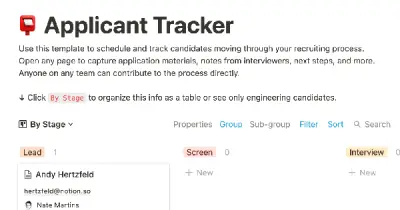
As an interviewer, your goal should be to get to know your candidate and help them feel prepared and confident. That's why at Notion, we have created a guide to help you prepare for interviews with us. We have included tips and resources to help your candidate feel more at ease, as well as customizable templates for different roles and departments. By using these templates, you can provide your candidate with important information, such as videos, links, schedules, and more, to help them prepare for their interview.

You can use this template to manage projects and issues for your whole team. Every member of your team can create new tasks, view the tasks they are assigned to, and track progress. Each card on the board can be opened into its own page to store research, notes, and even sub-tasks in the same place. You can also add tags to each card to designate department and priority, and add the people involved so that everyone knows what their colleagues are working on. This makes it easy to filter and find specific tasks.

Track your habits and stay accountable by using this table. Simply replace the existing column titles with the habits you want to track. You can check off items, enter numerical data, or even write text to build a journaling habit. Each day, create a new row and record your progress. Use filters and sums to track your progress over time and monitor any trends. This table is great for daily challenges or keeping track of your habits.

In the 1940s, Walter Pauk, a professor at Cornell University, created a new method of taking notes to help college students organize, condense, and understand the material they were learning. This system has been shown to be very effective as a learning tool. Here, we will explain how to use it in Notion.

This product helps you track your spending and reach your financial goals. You can set a monthly budget and enter your expenses in the database. The filters allow you to view your expenses in different ways, such as by category or by month. You can also view your expenses on a calendar or in a Kanban-style board, broken down by category. This can give you a better understanding of your spending habits and help you make more informed financial decisions.
Related templates

The following is a comprehensive project management template that can be easily copied and pasted to help you get started planning your next project. This template includes a range of tools and features to help you manage every aspect of your project, from initial planning and design to execution and review. With its easy-to-use format and customizable features, this template can be a valuable resource for any project manager.

As a good leader, it is important to avoid having double standards. If you expect your team to write updates, then you should also be willing to write them. Our Chief Product Officer, Madhu Muthukumar, sets a good example by writing product updates every week and sharing them with the entire company. This was one of the initiatives he implemented during his first 90 days in the role in order to build trust and foster teamwork, particularly as our product and engineering teams have grown and expanded across multiple offices.

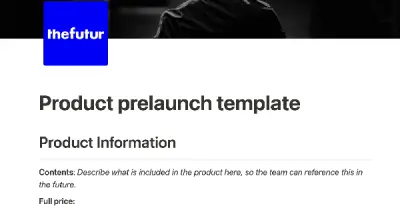
The following is a modified version of a project management template that can be used to coordinate any team effort. This template is based on the one used by the team at The Futur for prelaunching digital products, but all specific and detailed information has been removed. Use this structure to help manage your own team projects.

XYZ is the leading digital optimization system. It provides insight to adapt experiences to each customer and gives teams a common lens into data. Avoid context switching and link directly to XYZ charts and data. Use this template to conduct context-driven A/B tests and close the loop between data, insight, and action.

The Notion team uses this database to track all product and engineering work. Every project includes key information to help teams like Legal, Sales, and Marketing understand what is being shipped and why. The customizable properties allow us to track the status, project descriptions, and launch dates side by side. Within each project page, we embed a filtered view of the tasks related to that project, as well as link previews for Github and Figma. This way, all our work is kept in one place. This template is part of a larger product management system template - read more about how we use it in this blog post.

This product allows users to quickly create a schedule for complex, multi-month projects. The schedule can be viewed as a Gantt-style timeline, calendar, or a simple list of tasks. Users can easily rearrange tasks by dragging and dropping them on the schedule. The product also comes with a set of templates for common project activities such as meetings, deliverables, milestones, legal tasks, and billing tasks. These templates can be used as-is or customized to fit the needs of the project.

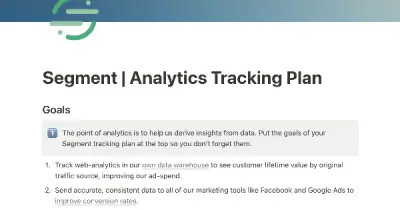
This template is designed to help marketing or product managers clearly and consistently define the events and calls needed to make their Segment instance useful and achieve their analytics goals. The template includes instructions for creating a tracking plan, pre-defined calls that are common to most use cases, and recommendations for maximizing the value of a Segment instance. By using this template, managers can create a clear plan that developers can use to quickly implement the tracking required to start deriving insights from data.