$
0
FREE
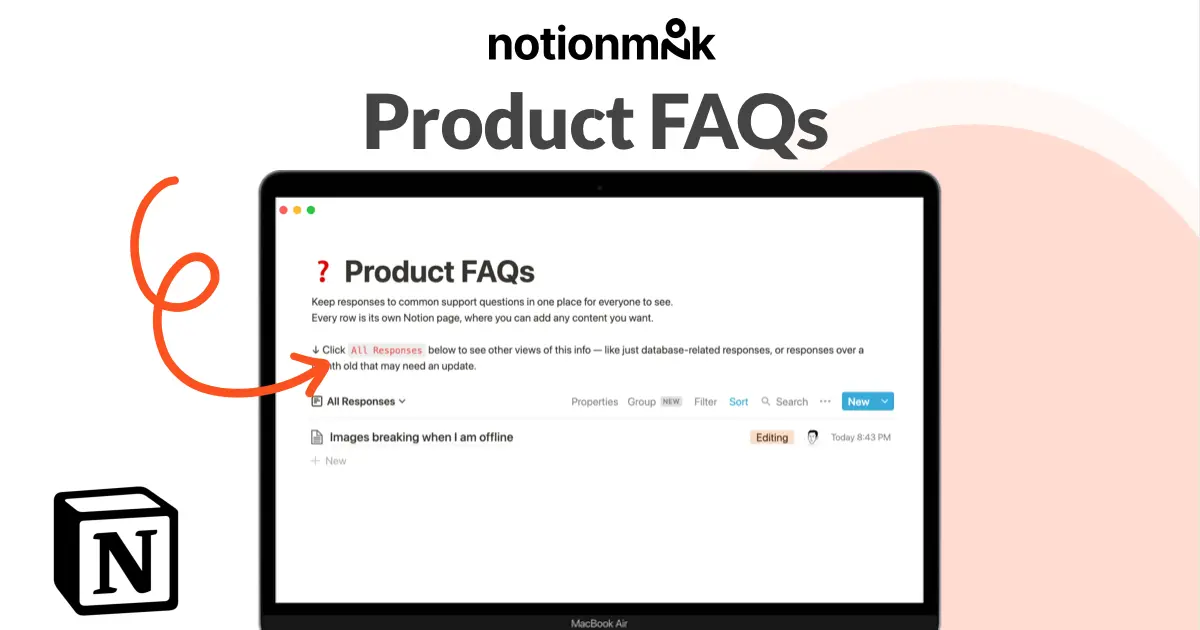
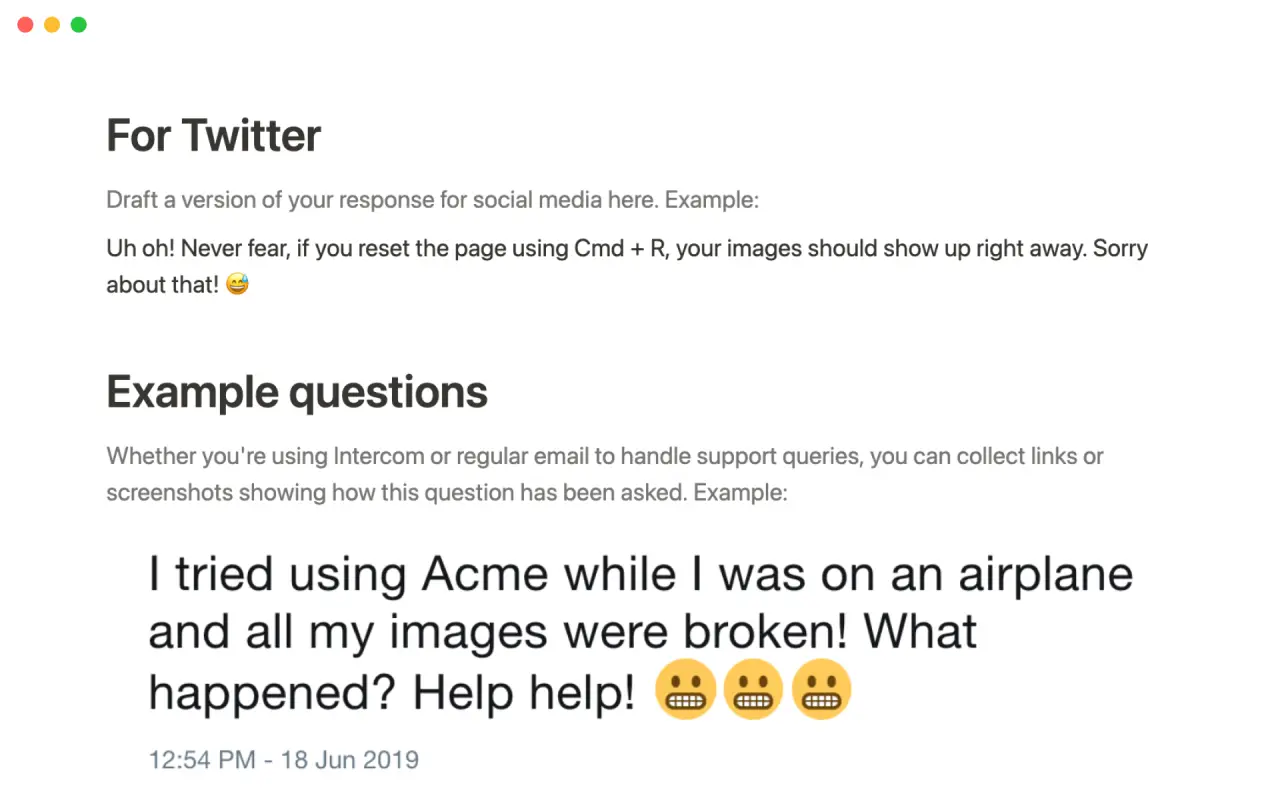
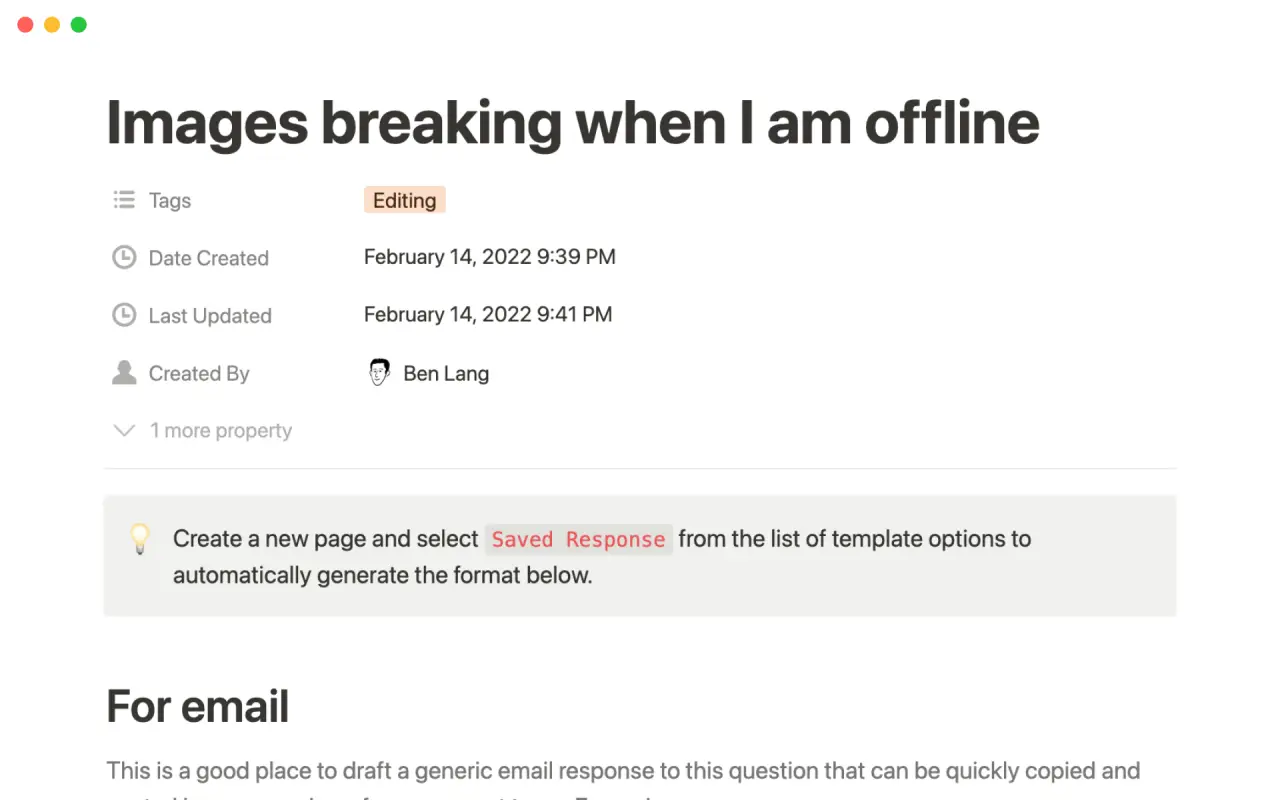
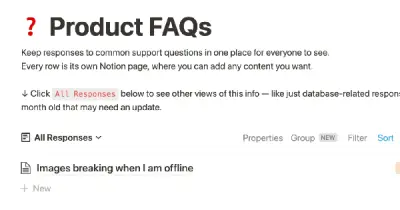
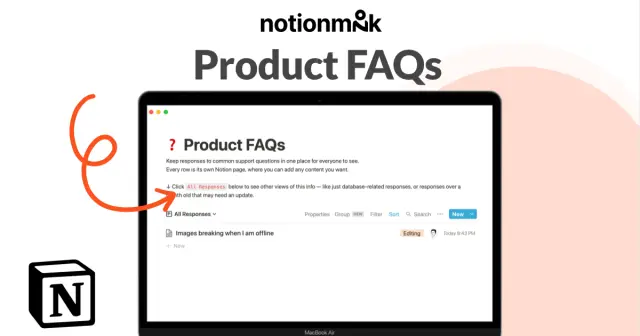
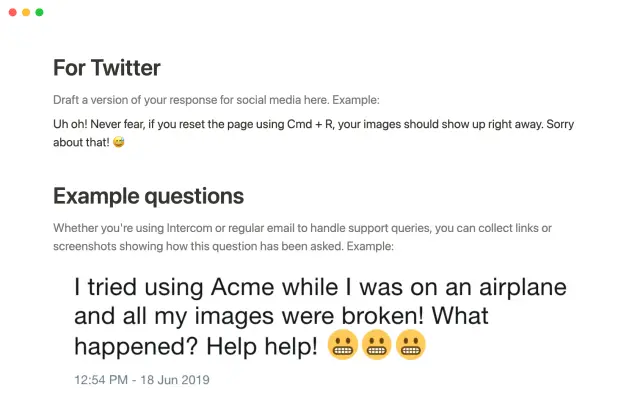
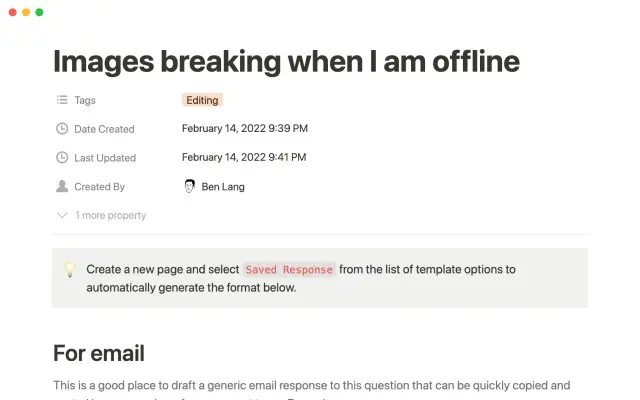
This tool allows you to centralize responses to common support questions, so that they are easily accessible to everyone on your team. Each response is represented as its own page within the system, where you can add any content you want, including notes, images, and more. This makes it easy to quickly find the information you need to resolve customer inquiries.


USE
FOR
OFF
This tool allows you to centralize responses to common support questions, so that they are easily accessible to everyone on your team. Each response is represented as its own page within the system, where you can add any content you want, including notes, images, and more. This makes it easy to quickly find the information you need to resolve customer inquiries.
More templates from
Notion

This template allows students to plan their semester or quarter by tracking the weight of assignments, exams, and projects towards their final grade. Students can enter their grades to see how they are doing and prioritize their time accordingly. The template includes formulas to automatically calculate and update the student's progress.

A standard operating procedure (SOP) is a document that outlines how certain tasks or processes should be carried out within a company. Although SOPs can be used for a variety of purposes, the most effective ones share certain characteristics. Here, we have outlined these characteristics to help your team customize this SOP to meet the needs of various departments.

This product is designed to help you plan and write a thesis or dissertation. It includes features that can help you brainstorm and evaluate potential topics, keep track of your sources and notes, and stay on schedule with a timeline of due dates. You can also use this tool to draft your content in the same space, making it easy to keep everything organized and accessible. Overall, this product is intended to provide you with a comprehensive and convenient workspace for working on your thesis or dissertation.

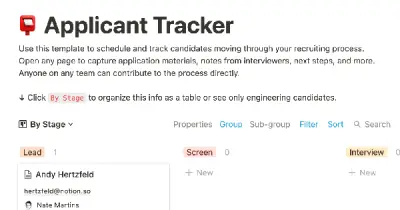
As an interviewer, your goal should be to get to know your candidate and help them feel prepared and confident. That's why at Notion, we have created a guide to help you prepare for interviews with us. We have included tips and resources to help your candidate feel more at ease, as well as customizable templates for different roles and departments. By using these templates, you can provide your candidate with important information, such as videos, links, schedules, and more, to help them prepare for their interview.

You can use this template to manage projects and issues for your whole team. Every member of your team can create new tasks, view the tasks they are assigned to, and track progress. Each card on the board can be opened into its own page to store research, notes, and even sub-tasks in the same place. You can also add tags to each card to designate department and priority, and add the people involved so that everyone knows what their colleagues are working on. This makes it easy to filter and find specific tasks.

Track your habits and stay accountable by using this table. Simply replace the existing column titles with the habits you want to track. You can check off items, enter numerical data, or even write text to build a journaling habit. Each day, create a new row and record your progress. Use filters and sums to track your progress over time and monitor any trends. This table is great for daily challenges or keeping track of your habits.

In the 1940s, Walter Pauk, a professor at Cornell University, created a new method of taking notes to help college students organize, condense, and understand the material they were learning. This system has been shown to be very effective as a learning tool. Here, we will explain how to use it in Notion.

Increasing brand awareness is an important aspect of a marketing strategy. Our team at Notion loves to share information about new features and help others promote their product. We have created an influencer template to keep track of upcoming sponsorships and important creator details such as subscriber count, cost, platform, and more. This template can serve as a central hub for all your influencer resources and assist your team in managing sponsorships.
Related templates

Grace is a former Head of Growth at Slack and Partner at Lightspeed Ventures. She offers a product called "zero-to-one" which teaches individuals how to build a sellable product. The product provides a template that guides users through a series of questions on the four key aspects of building a successful product: core product, business model, positioning, and first customers.

Camilla Alvarez is a busy entrepreneur who has successfully balanced the demands of running a startup with maintaining a healthy personal life. Our video "The Search" features a look at Camilla's workspace and how she uses Notion to manage both her personal habits and her business. Currently, Camilla is focused on achieving her daily fitness goals and hiring a Head of Engineering, but her dashboards can be adapted to fit any changing priorities. You can duplicate her entire workspace, including her workout tracker and engineering interview guidelines, and customize it to suit your own needs.

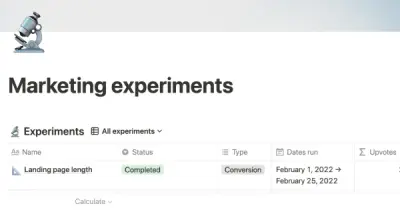
Conducting marketing experiments can help you uncover new opportunities and refine your marketing strategy. Use this template to organize and track your experiments, from hypothesis to conclusion. Share this with your team and encourage them to upvote the experiments that interest them the most. Duplicate this template to create a central database for all your marketing experiments.

Traditionally, marketing teams use separate tools for planning and writing content. However, with Notion, all of this can be done in one database. By using a calendar view, you can see your monthly publishing schedule and easily rearrange content to avoid traffic jams. This way, everyone in your company will know that there is only one place to look for any editorial project.

Cron is changing the way we interact with calendars, making them more efficient and enjoyable to use. As a rapidly growing startup, they rely on Notion to manage and edit all of their public job postings. By using their template, you can create a dynamic jobs board that eliminates repetitive tasks and allows you to focus on what's most important. Give Cron a try and experience the benefits of a more organized and efficient calendar.

Use this template from Notion to easily list and edit job openings at your company. The platform allows you to make real-time changes to a public-facing job site. You can tag each position with the date and time it was added, as well as the specific team it belongs to. This eliminates the need for a complicated CMS or over-featured system for posting jobs. Simply add the content you want as easily as creating a document and share it with the world.

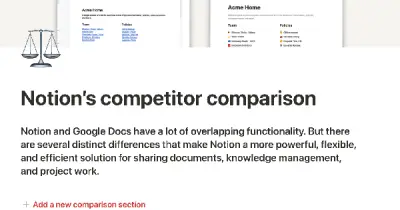
Growing sales teams need a lot of content to help them sell their product or service, including comparisons with competitors, product demos, packets for different use cases, and customer personas. Instead of using static PDF documents, a Notion page lets you add interactive elements like GIFs and videos to enhance the experience for your customers. The built-in formatting options, such as columns and headers, also ensure that your pages always look professional and well-organized. By using Notion, you can create engaging, dynamic content that will help your sales team succeed.

Starting a business can be challenging, and there's no one-size-fits-all manual that can guide you through the process. That's where the Shopify Business Blueprint comes in. This template is designed to provide you with the tools, skills, and knowledge you need to start your own business. It's filled with insights and exercises that are tailored to help early-stage entrepreneurs move from ideation to execution and beyond. By using this template, you can gain the knowledge and confidence you need to turn your business ideas into a reality.