$
0
FREE
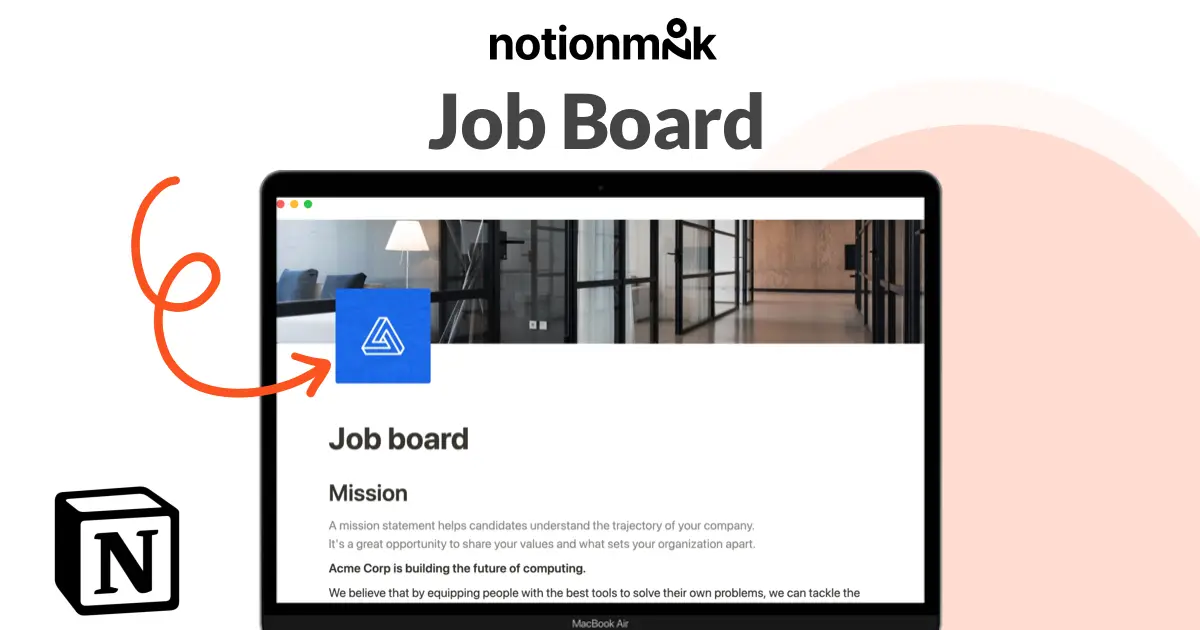
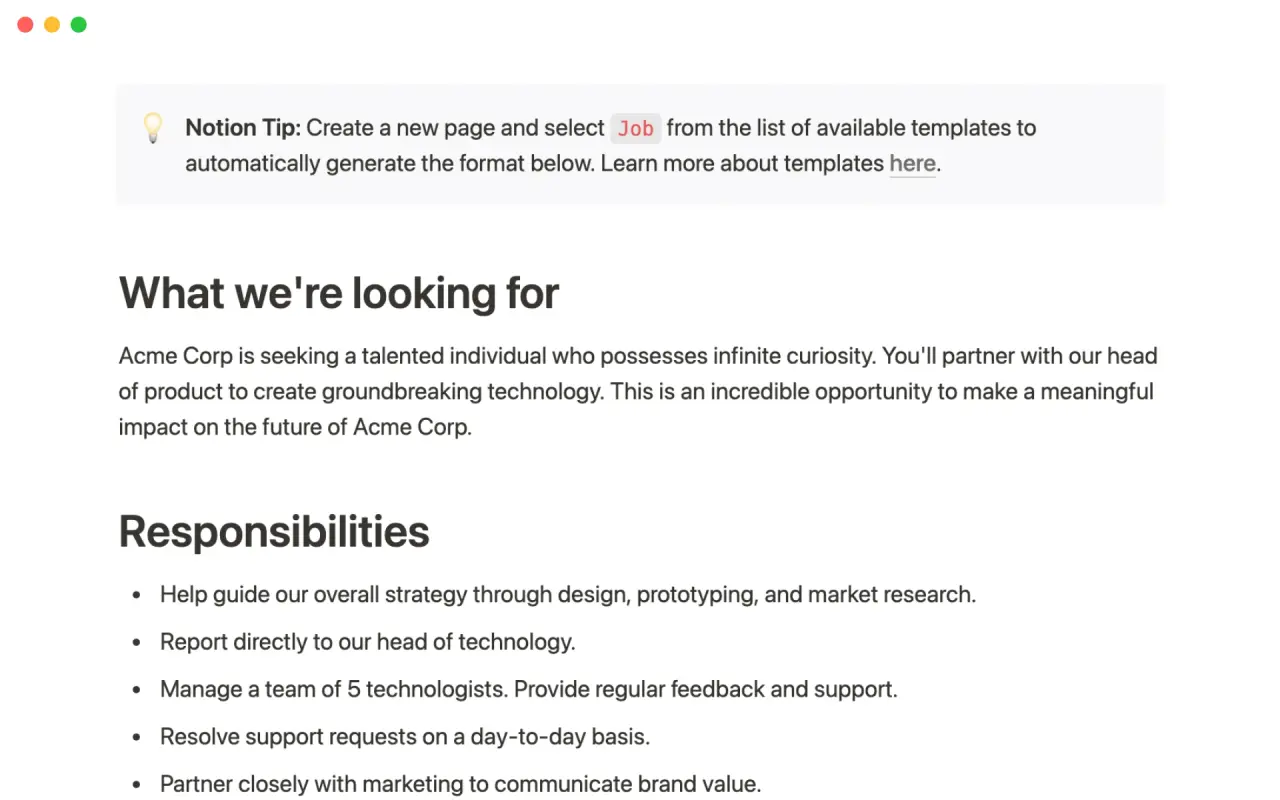
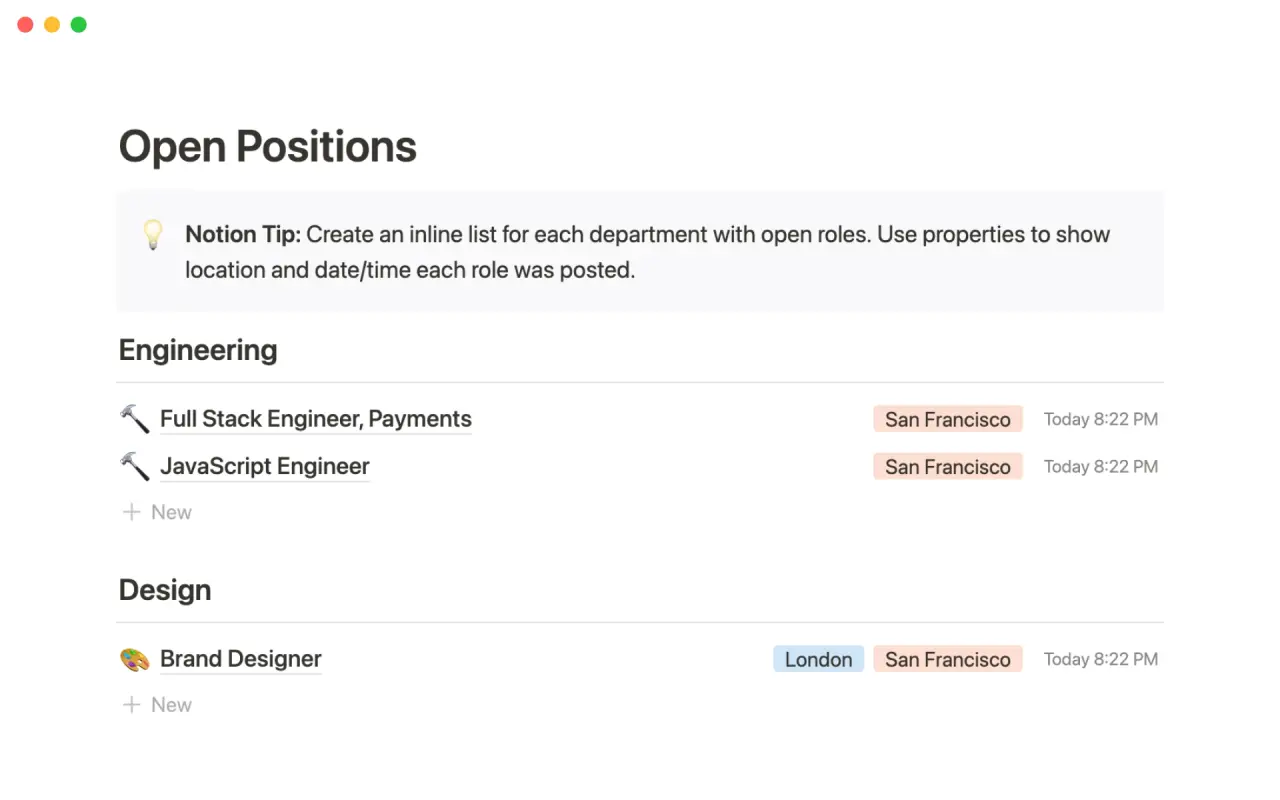
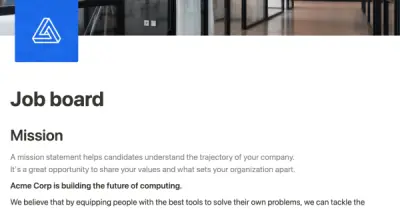
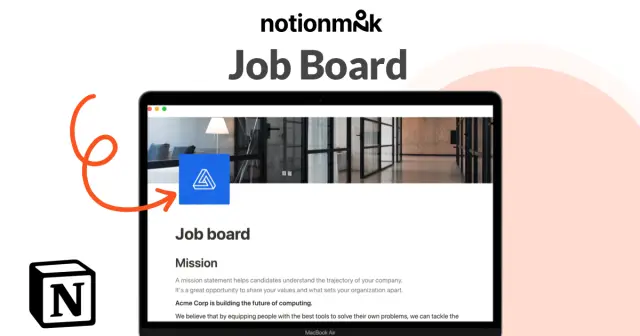
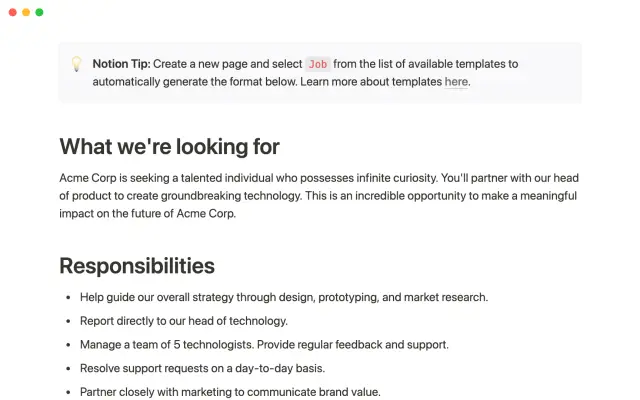
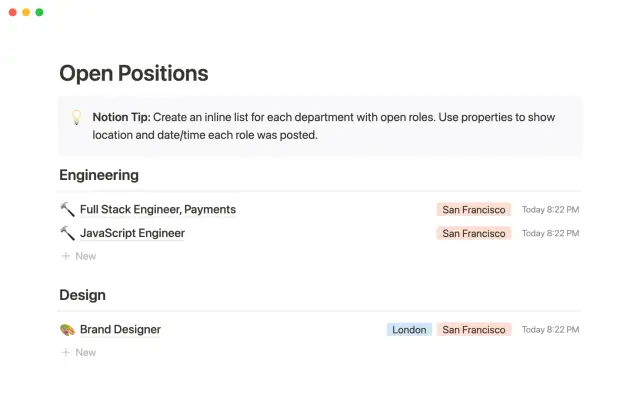
Use this template from Notion to easily list and edit job openings at your company. The platform allows you to make real-time changes to a public-facing job site. You can tag each position with the date and time it was added, as well as the specific team it belongs to. This eliminates the need for a complicated CMS or over-featured system for posting jobs. Simply add the content you want as easily as creating a document and share it with the world.
Details
Categories


USE
FOR
OFF
Use this template from Notion to easily list and edit job openings at your company. The platform allows you to make real-time changes to a public-facing job site. You can tag each position with the date and time it was added, as well as the specific team it belongs to. This eliminates the need for a complicated CMS or over-featured system for posting jobs. Simply add the content you want as easily as creating a document and share it with the world.
Categories
Monthly newsletter
No spam. Just the latest releases and tips, interesting articles, and exclusive interviews in your inbox every week.
Thank you! Your submission has been received!
Oops! Something went wrong while submitting the form.
More templates from
Notion

This template allows students to plan their semester or quarter by tracking the weight of assignments, exams, and projects towards their final grade. Students can enter their grades to see how they are doing and prioritize their time accordingly. The template includes formulas to automatically calculate and update the student's progress.

A standard operating procedure (SOP) is a document that outlines how certain tasks or processes should be carried out within a company. Although SOPs can be used for a variety of purposes, the most effective ones share certain characteristics. Here, we have outlined these characteristics to help your team customize this SOP to meet the needs of various departments.

This product is designed to help you plan and write a thesis or dissertation. It includes features that can help you brainstorm and evaluate potential topics, keep track of your sources and notes, and stay on schedule with a timeline of due dates. You can also use this tool to draft your content in the same space, making it easy to keep everything organized and accessible. Overall, this product is intended to provide you with a comprehensive and convenient workspace for working on your thesis or dissertation.

As an interviewer, your goal should be to get to know your candidate and help them feel prepared and confident. That's why at Notion, we have created a guide to help you prepare for interviews with us. We have included tips and resources to help your candidate feel more at ease, as well as customizable templates for different roles and departments. By using these templates, you can provide your candidate with important information, such as videos, links, schedules, and more, to help them prepare for their interview.

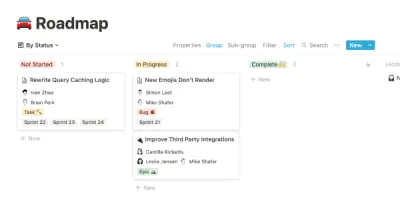
You can use this template to manage projects and issues for your whole team. Every member of your team can create new tasks, view the tasks they are assigned to, and track progress. Each card on the board can be opened into its own page to store research, notes, and even sub-tasks in the same place. You can also add tags to each card to designate department and priority, and add the people involved so that everyone knows what their colleagues are working on. This makes it easy to filter and find specific tasks.

Track your habits and stay accountable by using this table. Simply replace the existing column titles with the habits you want to track. You can check off items, enter numerical data, or even write text to build a journaling habit. Each day, create a new row and record your progress. Use filters and sums to track your progress over time and monitor any trends. This table is great for daily challenges or keeping track of your habits.

In the 1940s, Walter Pauk, a professor at Cornell University, created a new method of taking notes to help college students organize, condense, and understand the material they were learning. This system has been shown to be very effective as a learning tool. Here, we will explain how to use it in Notion.

This product helps you track your spending and reach your financial goals. You can set a monthly budget and enter your expenses in the database. The filters allow you to view your expenses in different ways, such as by category or by month. You can also view your expenses on a calendar or in a Kanban-style board, broken down by category. This can give you a better understanding of your spending habits and help you make more informed financial decisions.
Related templates

As a good leader, it is important to avoid having double standards. If you expect your team to write updates, then you should also be willing to write them. Our Chief Product Officer, Madhu Muthukumar, sets a good example by writing product updates every week and sharing them with the entire company. This was one of the initiatives he implemented during his first 90 days in the role in order to build trust and foster teamwork, particularly as our product and engineering teams have grown and expanded across multiple offices.

Edlyft is a tutoring platform that helps STEM students succeed. To optimize their product-market fit process, they use Notion to run tests consistently and quickly gather results. Using their template can help you do the same, ensuring that you have a streamlined and effective way to evaluate the market demand for your product. This can help you make informed decisions and improve your offering over time.

The customer experience team at Notion uses this learning calendar template to plan and prioritize presentations and potential learning opportunities. Team members can upvote the topics that interest them, and presenters can embed their schedule and entire presentation within the topic subpage. The template allows you to view upcoming presentations using the calendar view, and tag topics according to their content. Use this template to advocate for continuous learning within your team and plan upcoming presentations.

Amplitude is a digital optimization platform that provides insights to help teams adapt their customer experiences and gain a common understanding of their data. Amplitude now allows users to link directly to behavioral data in Notion, giving teams a seamless way to integrate their data and insights into their workflows. This template can be used to identify opportunities for conversion and create impactful digital experiences by leveraging the power of Amplitude's insights.

XYZ is the leading digital optimization system. It provides insight to adapt experiences to each customer and gives teams a common lens into data. Avoid context switching and link directly to XYZ charts and data. Use this template to conduct context-driven A/B tests and close the loop between data, insight, and action.

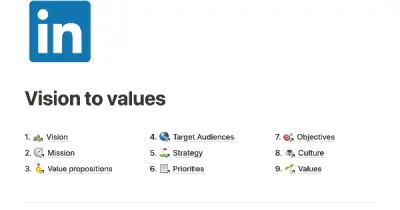
If you want to ensure that important information is easily accessible within your company, consider using a product from another company that offers a template for creating a central repository of information. This template allows you to consolidate everything your company needs in one place, making it easy to find and access. With this template, you can organize information such as your company's mission and values, employee directory, and other important documents. This can help your company run more smoothly and ensure that everyone has access to the information they need.