$
0
FREE
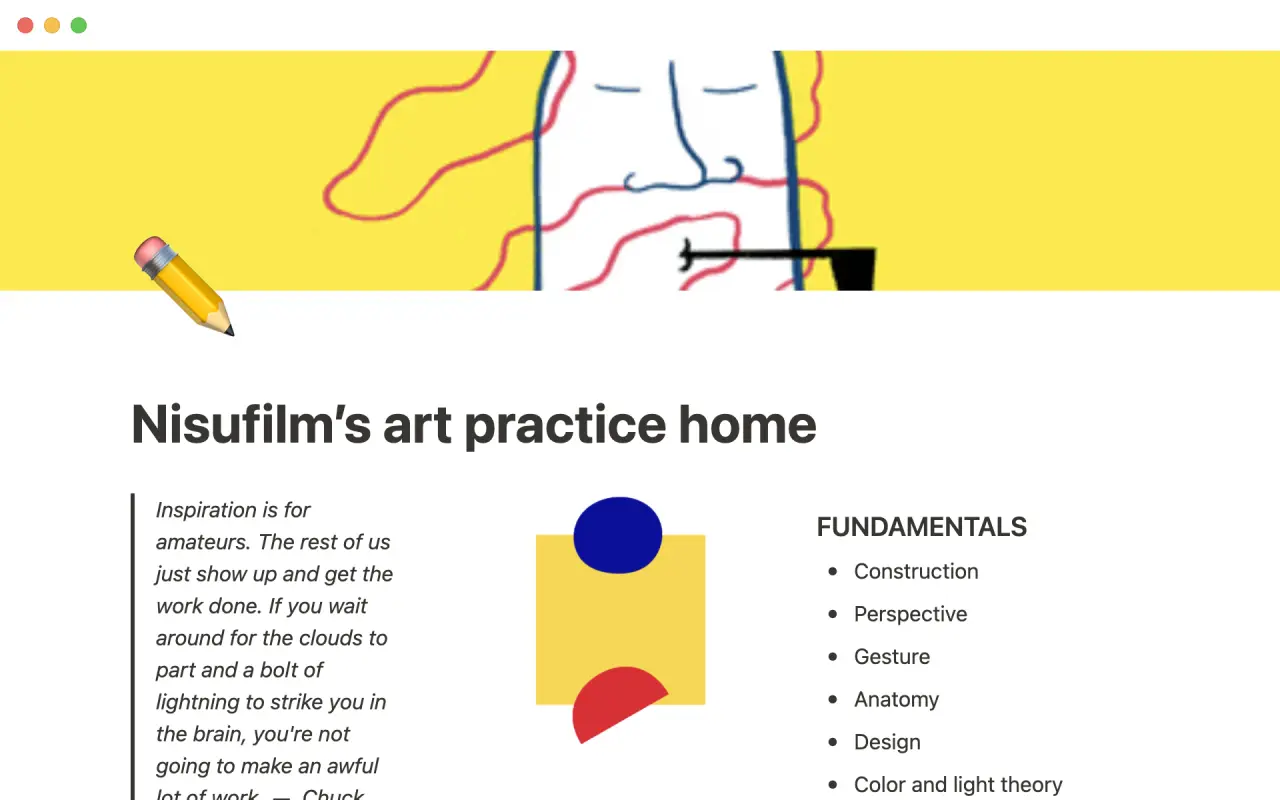
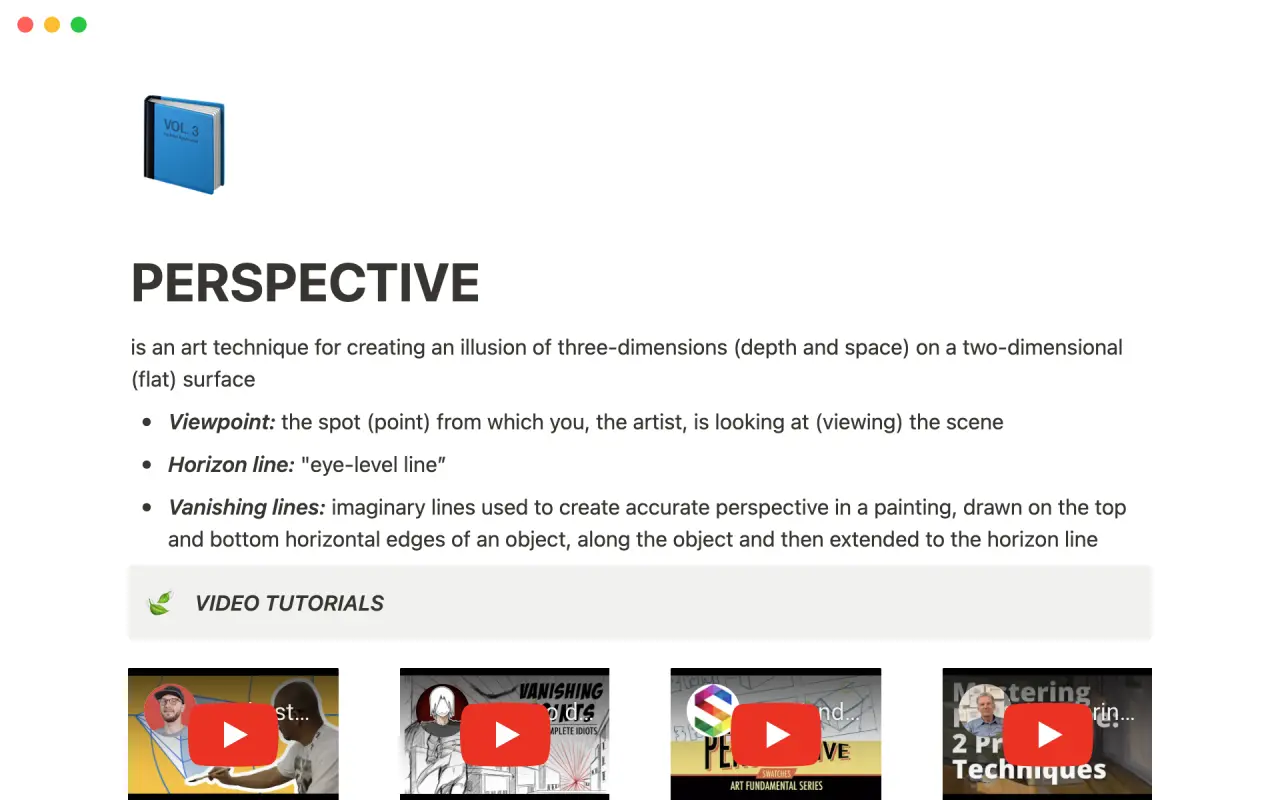
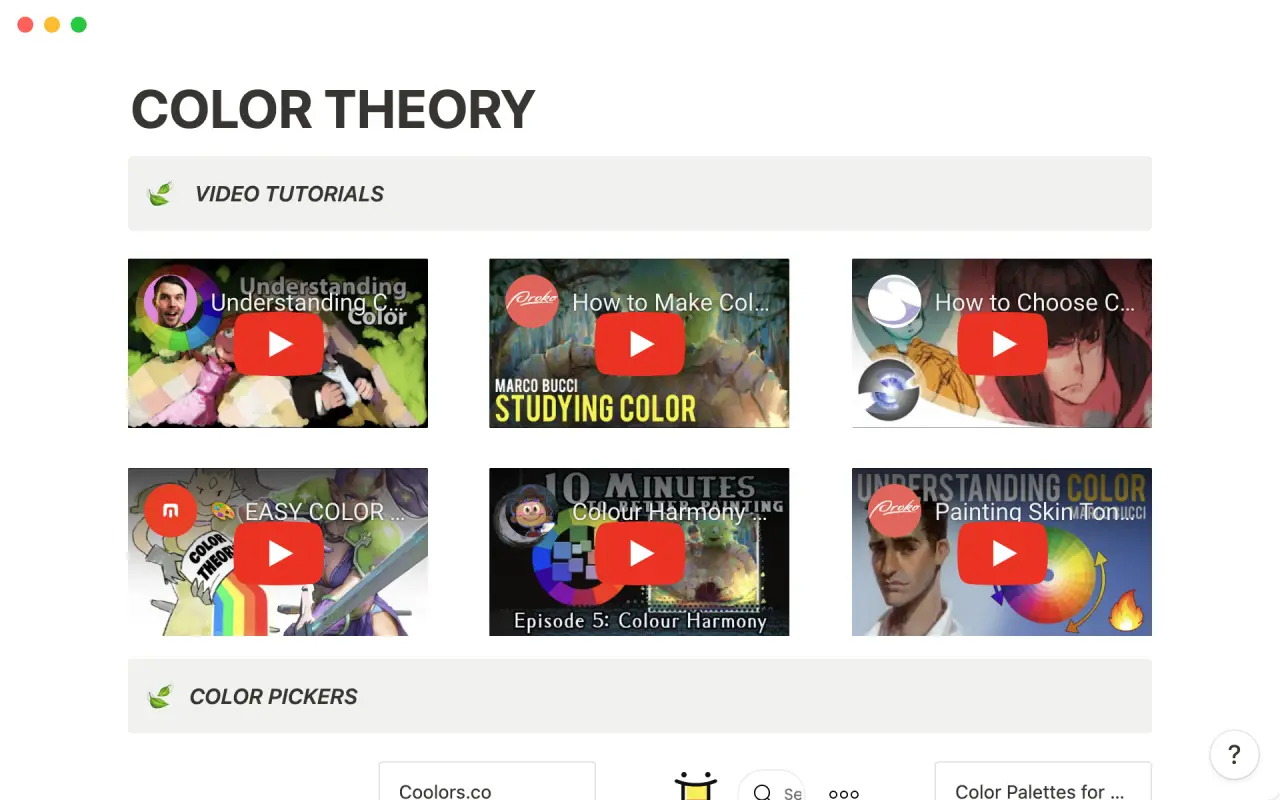
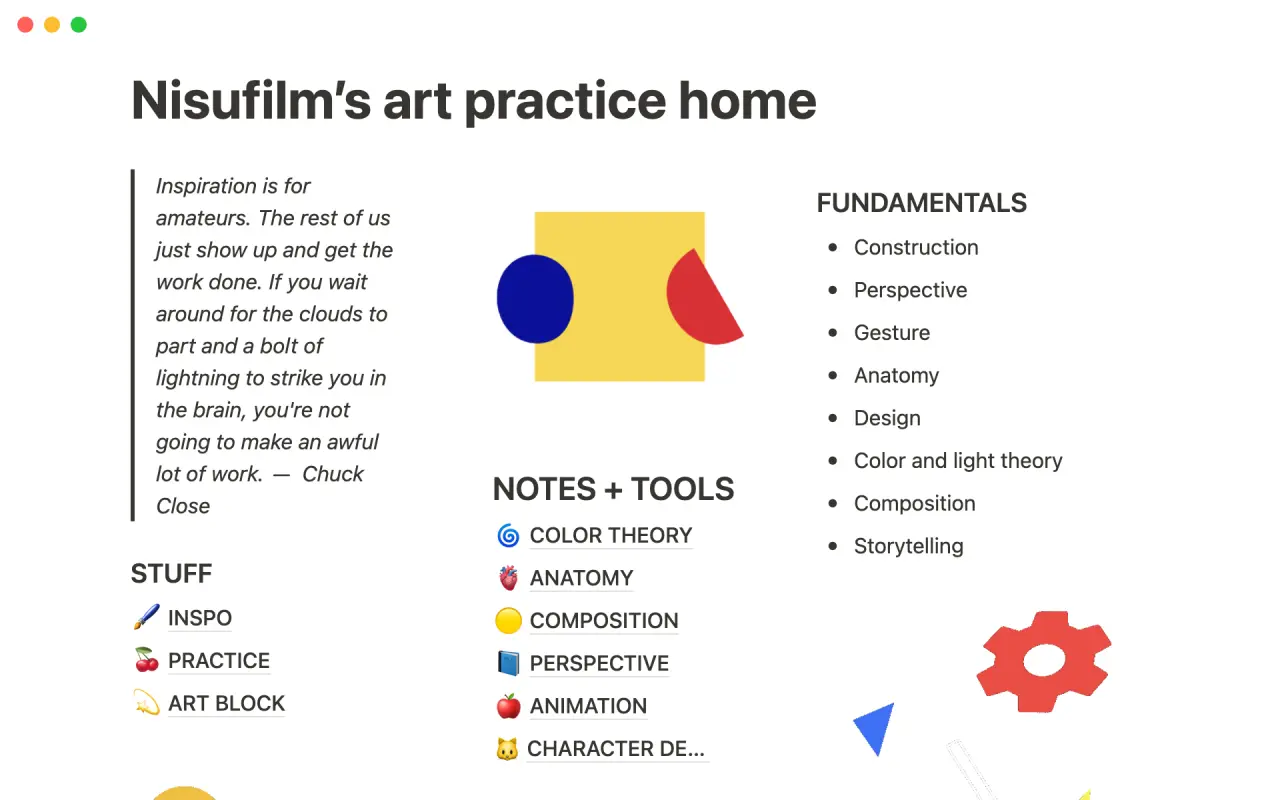
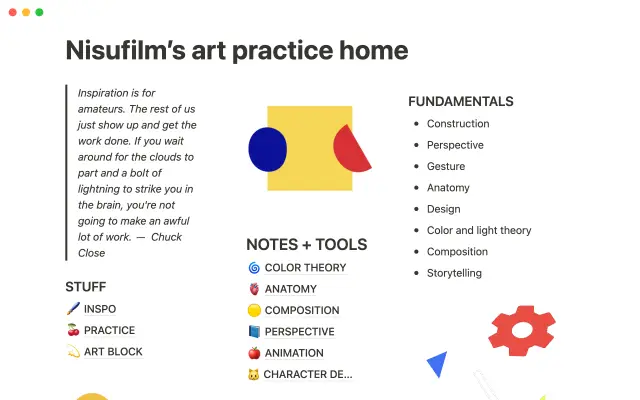
If you're trying to learn art on your own or through classes, it can be challenging to stay organized and focused. This template is designed to help you track your inspiration, practice sessions, and learning resources, so you can make the most of your time and effort. With this tool, you'll be able to stay on top of your studies and keep your tools and materials organized.


USE
FOR
OFF
If you're trying to learn art on your own or through classes, it can be challenging to stay organized and focused. This template is designed to help you track your inspiration, practice sessions, and learning resources, so you can make the most of your time and effort. With this tool, you'll be able to stay on top of your studies and keep your tools and materials organized.
More templates from
Nisufilm

If you're trying to learn art on your own or through classes, it can be challenging to stay organized and focused. This template is designed to help you track your inspiration, practice sessions, and learning resources, so you can make the most of your time and effort. With this tool, you'll be able to stay on top of your studies and keep your tools and materials organized.
Related templates

This product is designed to help users plan and prioritize their work by conducting a weekly review. This exercise helps users to close open loops that may be causing them stress and organize their digital workspace to clarify their thinking. It also allows users to set intentions and priorities for the upcoming week. Additionally, the weekly review serves as a crucial check-in ritual to ensure that important but non-urgent tasks are completed. Overall, this product is an effective tool for anyone looking to improve their planning and productivity.

Track your habits and stay accountable by using this table. Simply replace the existing column titles with the habits you want to track. You can check off items, enter numerical data, or even write text to build a journaling habit. Each day, create a new row and record your progress. Use filters and sums to track your progress over time and monitor any trends. This table is great for daily challenges or keeping track of your habits.

If you're a self-employed food delivery driver, you have a lot to manage, such as mileage, earnings, and taxes. If you're like me, you probably have bits of data scattered across several different apps. Fortunately, the Delivery Tracker Notion Template is now available for download at no cost! This template will help you keep all of your important information organized in one place.

The "Finances" template is a useful tool for anyone who wants to stay on top of their expenses, debts, and extra costs. It includes a categorized Kanban board and a Cash Flow Calendar that allow you to see your financial situation at a glance. This visual representation makes it easy to manage your money and make sure you always have a clear picture of your financial health.

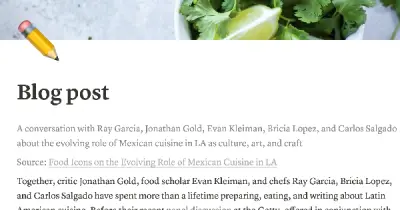
Did you know that you can use Notion to build your entire blog? This template offers a format for your posts, allowing you to include writing and images in a variety of configurations. You can also create a blog homepage that links out to all of your posts. The gallery view is especially useful for showcasing the images in your posts. With this template, you can easily create and manage a blog on Notion.

The ADHD Life Planner 2.0 is an effective planner designed for use with Notion. This updated version of the original ADHD Life Planner offers a range of features that can help individuals with ADHD manage their time and set achievable goals. The planner includes a daily template and tools for tracking habits, all designed to help users build a healthy and organized lifestyle.

This system, created by another company, is designed to help you manage your subscriptions. It has features that allow you to track the monthly and yearly costs of your subscriptions, as well as the option to track subscriptions with a custom billing cycle. The system also has the ability to automatically calculate your next payment date.

In the 1940s, Walter Pauk, a professor at Cornell University, created a new method of taking notes to help college students organize, condense, and understand the material they were learning. This system has been shown to be very effective as a learning tool. Here, we will explain how to use it in Notion.