$
0
FREE
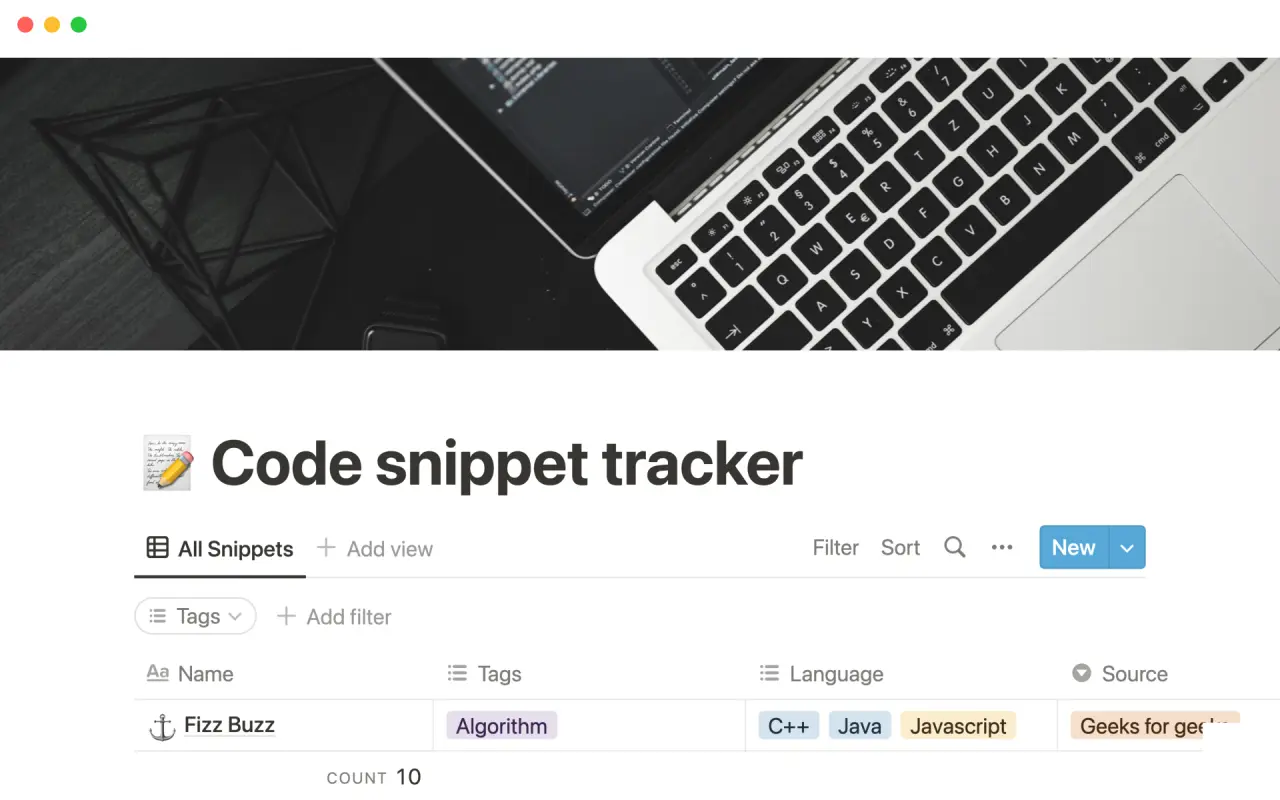
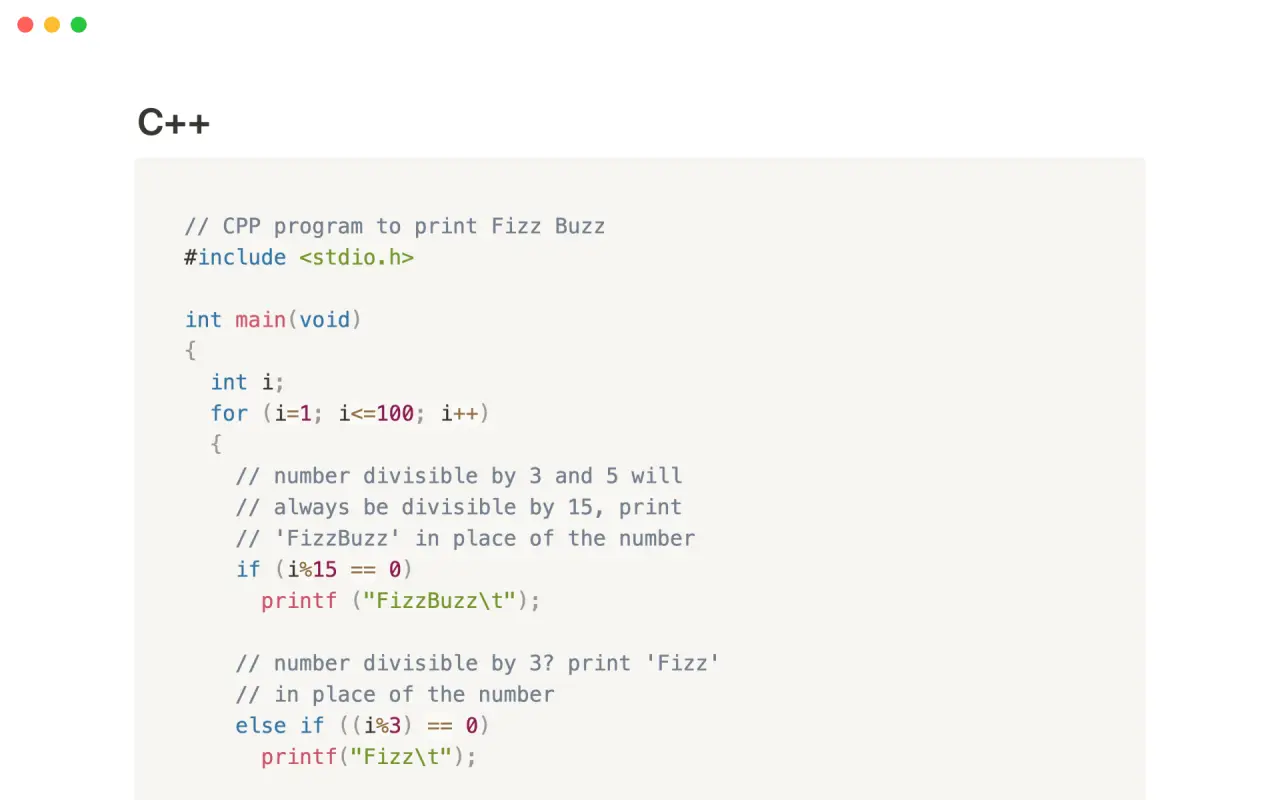
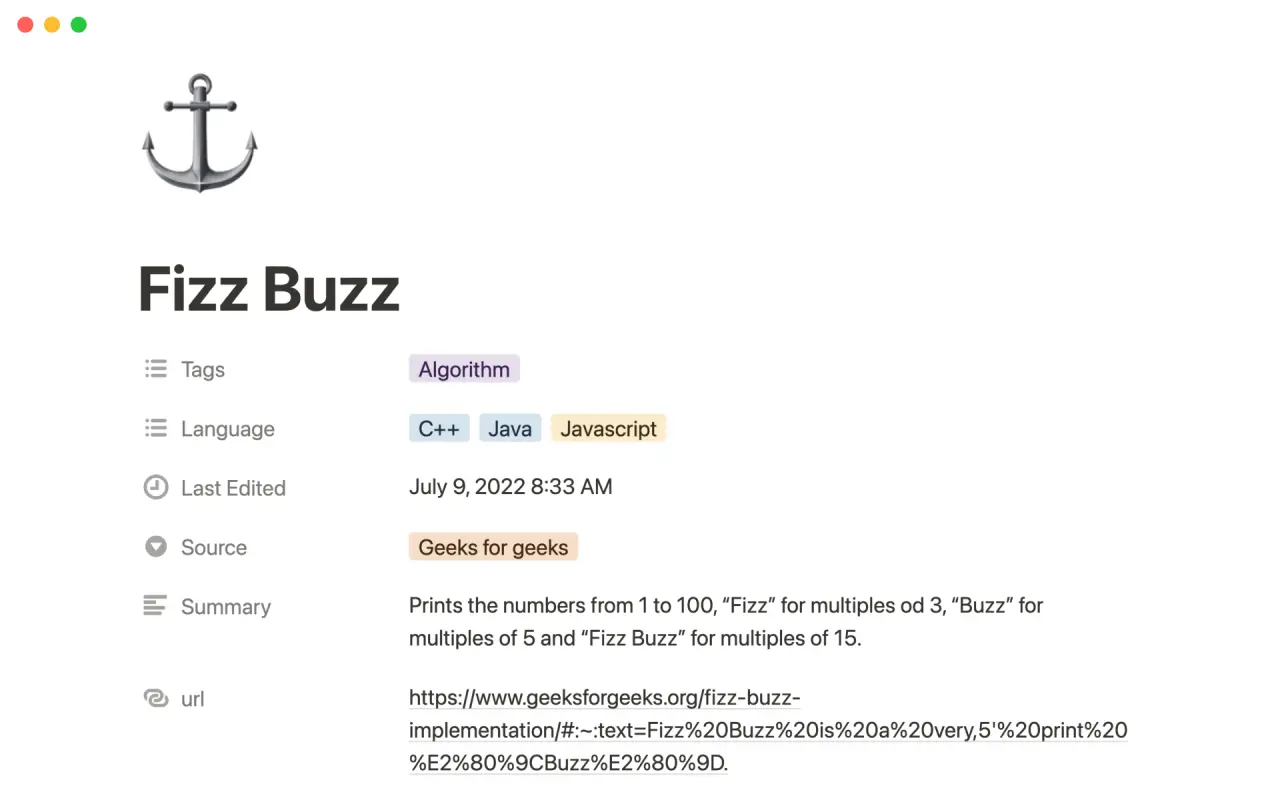
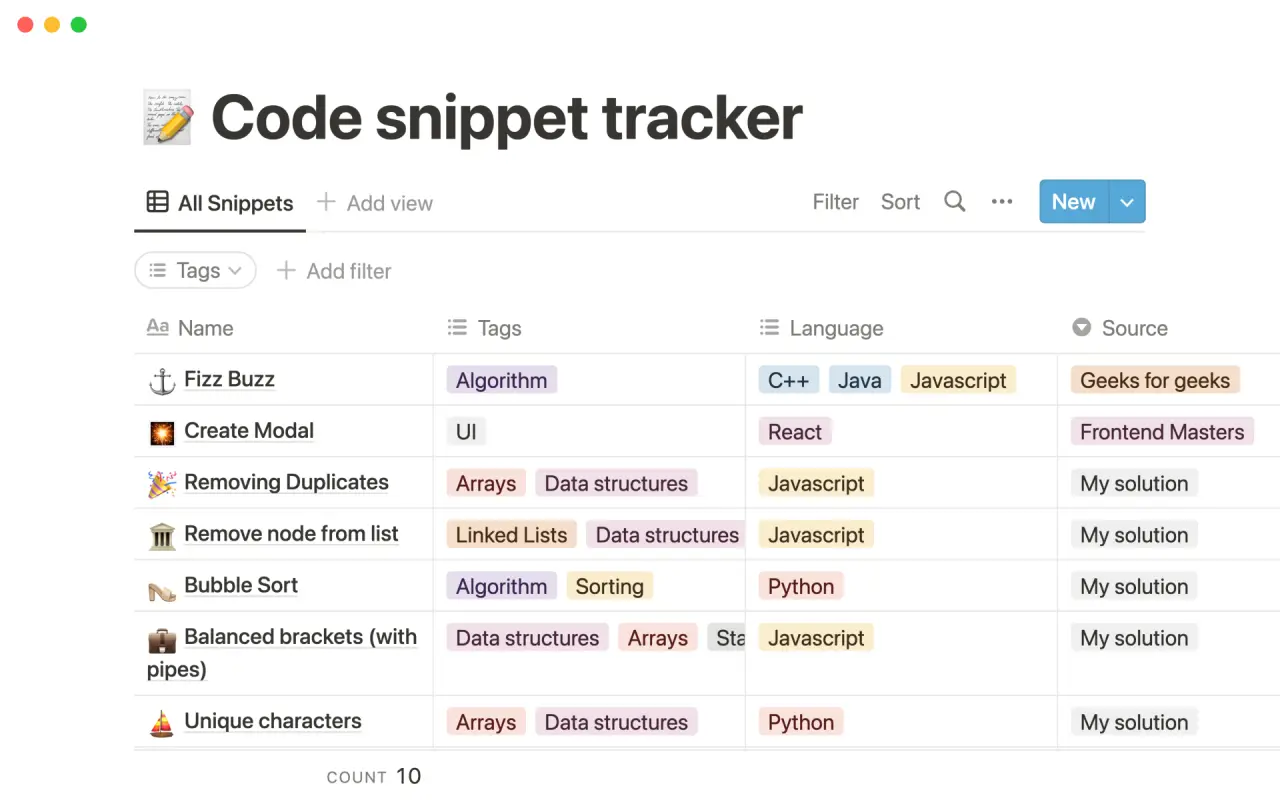
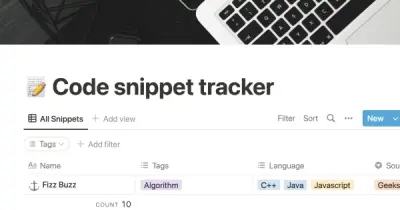
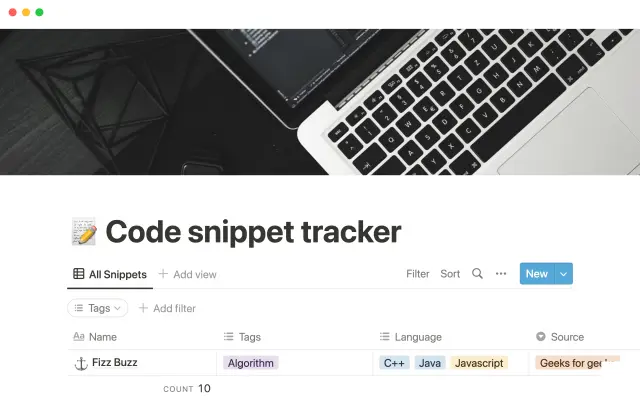
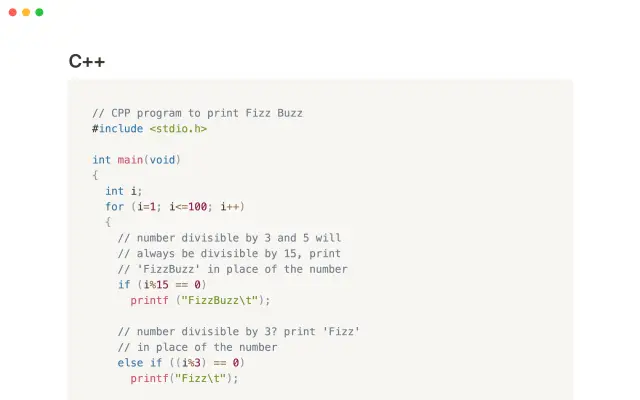
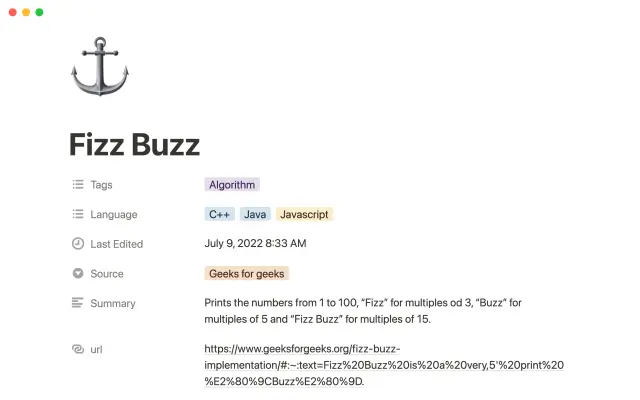
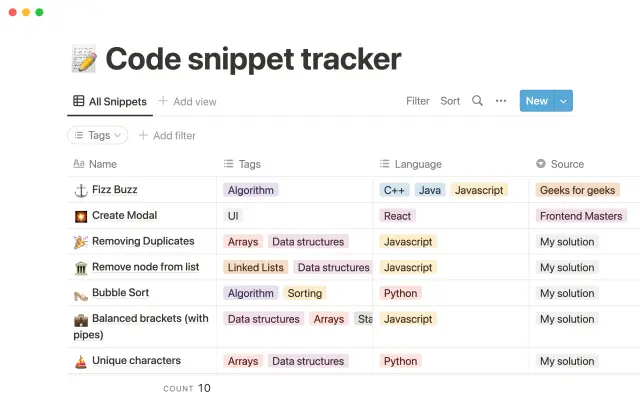
This tool allows you to organize and track your personal code snippets, as well as snippets that you find on the web. You can sort the snippets using tags that make sense to you or based on the programming language used. You can also attach an external URL to provide more context for each snippet. This can help you keep your code organized and make it easier to find and reuse snippets in the future.


USE
FOR
OFF
This tool allows you to organize and track your personal code snippets, as well as snippets that you find on the web. You can sort the snippets using tags that make sense to you or based on the programming language used. You can also attach an external URL to provide more context for each snippet. This can help you keep your code organized and make it easier to find and reuse snippets in the future.
More templates from
Alexander Oguejiofor

This tool allows you to organize and track your personal code snippets, as well as snippets that you find on the web. You can sort the snippets using tags that make sense to you or based on the programming language used. You can also attach an external URL to provide more context for each snippet. This can help you keep your code organized and make it easier to find and reuse snippets in the future.
Related templates

The modern reading list includes a wide range of materials, such as articles, videos, podcasts, blog posts, Twitter threads, and books. To help you keep track of everything you want to read now or later, we've created a dashboard template. With the Notion Web Clipper, you can easily save any of this content from the web directly to your Notion workspace, so it's always available when you need it. Use this template to manage your reading list and stay organized.

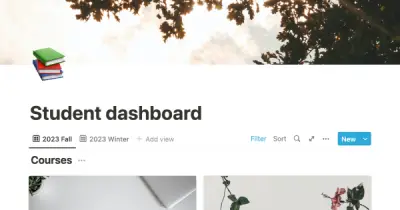
This template is designed to help students create a central workspace for their academic life. It encourages the use of flashcards and spaced repetition to develop a learning habit, as well as tracking day-to-day tasks. The template's main display is designed to help students prioritize important tasks and exams, while providing quick access to their courses for regular note-taking. Overall, this tool is intended to help students stay organized, focused, and on track with their studies.

This template is designed to help students keep track of their university studies. It provides a central location for storing information about assignments, university events, notes and active recall questions, course materials, and more. By using the template, students can keep track of all the content they are learning and easily access it for study purposes throughout the semester. The template offers a convenient and organized way to manage university-related information.

Erik Neilson is a relatable figure for those starting a new chapter in life, whether they are changing careers or becoming a parent for the first time. After losing his job, he decided to pursue web design and enrolled in a bootcamp to learn new skills. He is featured in the video story "Next Chapter," which showcases his workspace in Notion. The video demonstrates how he manages his family life and builds his portfolio using Notion. Viewers can duplicate everything from his meal prep database to his design portfolio and customize it to their own needs.

This tool allows you to create a beautiful and functional resume within your workspace. You can enable "Public Access" and share the link with potential employers as part of your job application. This allows you to continue updating and improving your resume even after you have sent it out. This can help you create a professional and engaging resume that showcases your skills and experience.

This template is designed to help you keep track of all the people you meet, along with information about them, such as when to reach out and what to talk about. This tool is intended to be a secret weapon that allows you to always follow up and make a good impression. With this template, you'll be able to know exactly what to say and do to make professional connections and build strong relationships.

These lesson plans are based on Harvard Business School's Elements of Effective Class Preparation. By keeping lesson plans in a database, users can easily track their status, keep all related notes in one place, and monitor their progress. The database format makes it easy to organize and access the lesson plans.