 Free
Free The Top 5 Notion Templates for Productivity
The top 5 Notion productivity templates to help you become and stay more productive in your day to day life.
- 1
Project tasks & issues tracker
by Notion

You can use this template to manage projects and issues for your whole team. Every member of your team can create new tasks, view the tasks they are assigned to, and track progress. Each card on the board can be opened into its own page to store research, notes, and even sub-tasks in the same place. You can also add tags to each card to designate department and priority, and add the people involved so that everyone knows what their colleagues are working on. This makes it easy to filter and find specific tasks.
Includes: Board, Table
- 2
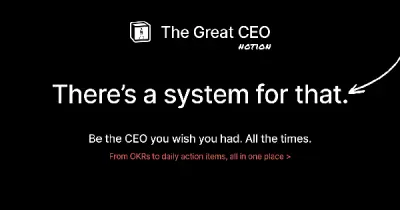
The Great CEO
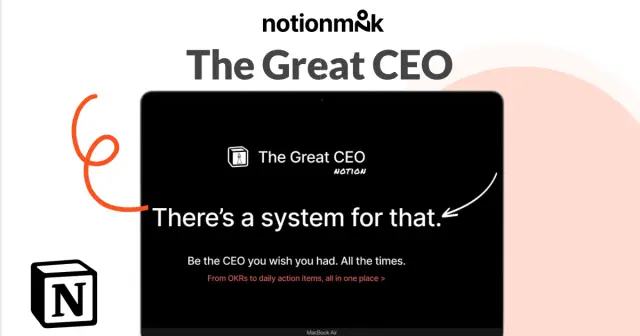
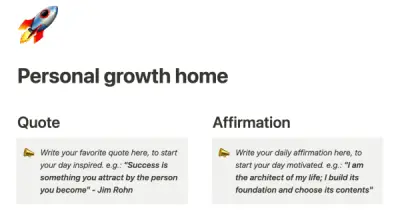
This template from another company is designed to help leaders be more conscious of their strategic and daily business management. It offers tools such as journaling and a workout tracker to help leaders inquire within. The template also helps leaders operationalize key processes such as documentation, OKRs, task management, decision-making, and meetings.
Includes: Calendar, List, Board, Table, Gallery
- 3
Event planning

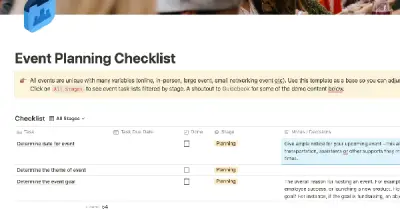
This event planning template is designed to help you plan and run your next event more efficiently and effectively. With dozens of deadlines and details to track, it can be easy for something to slip through the cracks and put your event at risk. Using an event planning template set up in Notion can help you keep all of your event planning information in one place, so your team can stay organized and productive. This is a much better solution than using multiple tools or a detailed event planning spreadsheet.
Includes: Table
- 4
Freelancer dashboard
by Yudax

Stay on top of your workload with this powerful tool that allows you to manage your projects, tasks, and clients. Easily generate invoices and track your progress to gain valuable insights into your work. Streamline your workflow and keep everything organized with this versatile tool.
Includes: Timeline, Board, Table, Gallery
- 5
GroovyWink
by Maria Aldrey
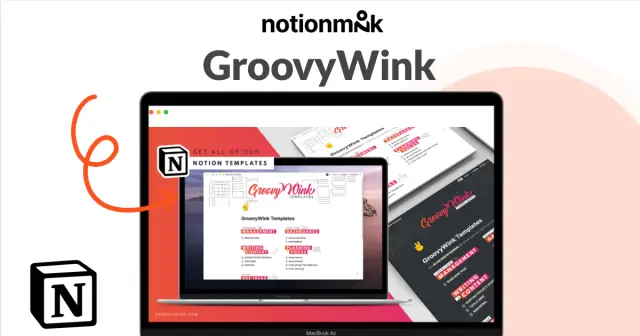
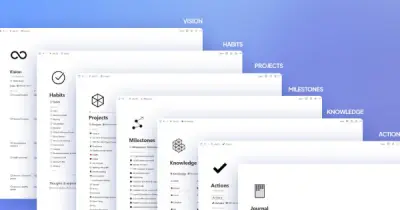
This Notion library includes a range of templates that can help you "get stuff done" by following a structured path. The library includes the GTD Mindsweep, BASB Second Brain Library, and Project Management Database, as well as a Start Here page with paths for different characters, the P.A.R.A. method, weekly, monthly, and quarter planning pages, a habits tracker, and more. Access to this growing library of templates is available to users who sign up.
Includes: Calendar, Board, Table, Gallery