$
0
FREE
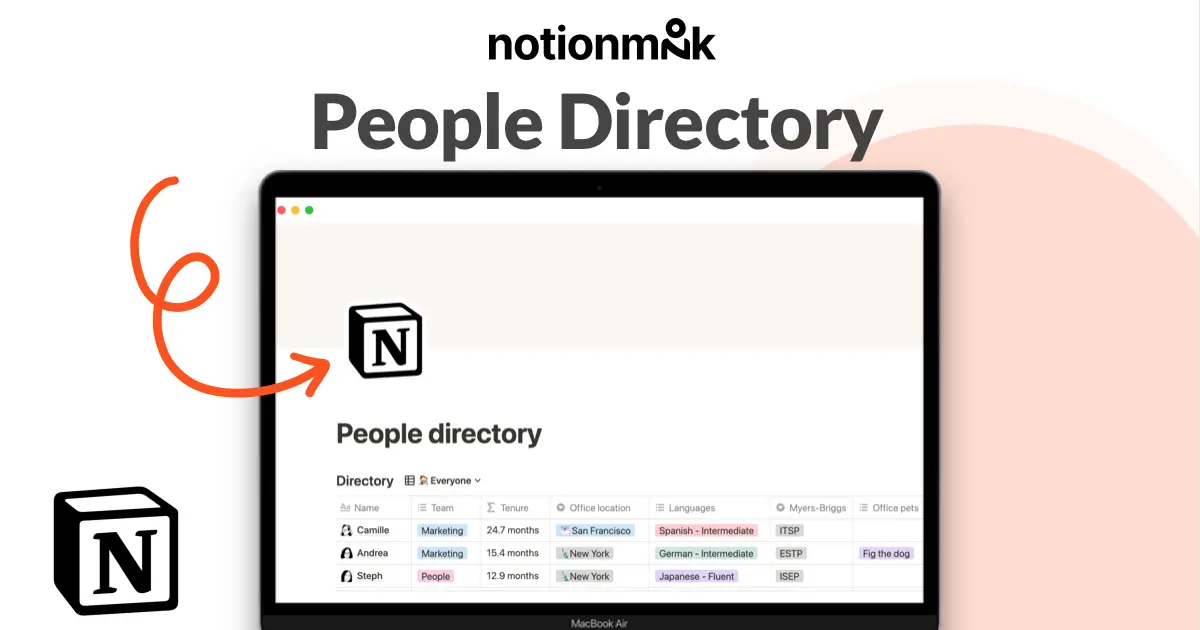
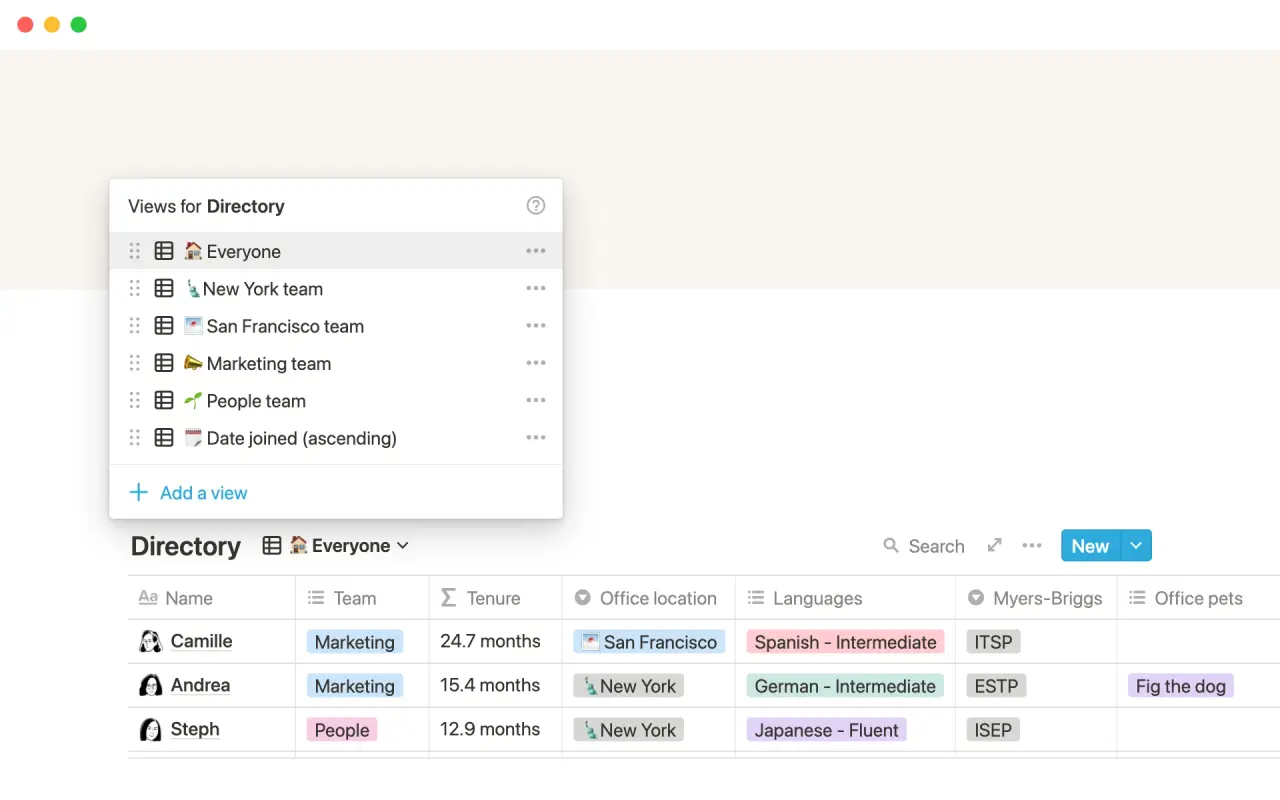
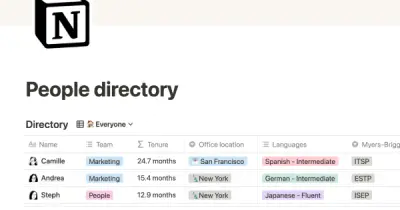
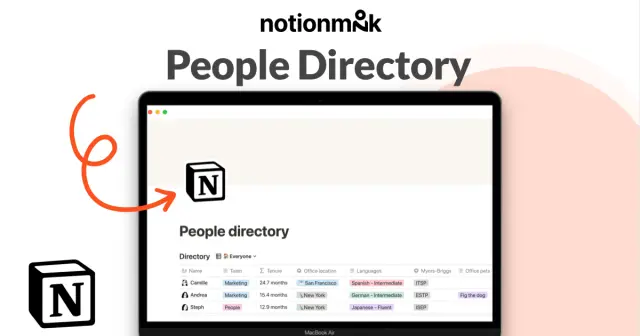
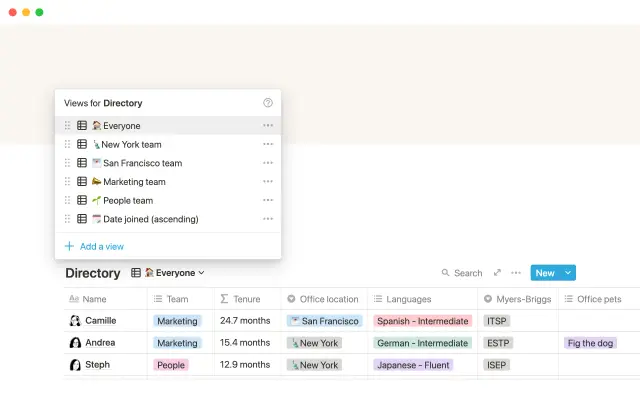
This employee directory, called a "people directory," is all about showcasing the personalities of each team member. Instead of using a separate HR tool, the company uses a database in Notion with custom properties, such as birthday and office pets, to allow team members to show off their unique personalities. The directory can be viewed by team or sorted by date joined, making it easy to find the information you are looking for.
Details
Categories


USE
FOR
OFF
This employee directory, called a "people directory," is all about showcasing the personalities of each team member. Instead of using a separate HR tool, the company uses a database in Notion with custom properties, such as birthday and office pets, to allow team members to show off their unique personalities. The directory can be viewed by team or sorted by date joined, making it easy to find the information you are looking for.
Categories
Monthly newsletter
No spam. Just the latest releases and tips, interesting articles, and exclusive interviews in your inbox every week.
Thank you! Your submission has been received!
Oops! Something went wrong while submitting the form.
More templates from
Notion

This template allows students to plan their semester or quarter by tracking the weight of assignments, exams, and projects towards their final grade. Students can enter their grades to see how they are doing and prioritize their time accordingly. The template includes formulas to automatically calculate and update the student's progress.

A standard operating procedure (SOP) is a document that outlines how certain tasks or processes should be carried out within a company. Although SOPs can be used for a variety of purposes, the most effective ones share certain characteristics. Here, we have outlined these characteristics to help your team customize this SOP to meet the needs of various departments.

This product is designed to help you plan and write a thesis or dissertation. It includes features that can help you brainstorm and evaluate potential topics, keep track of your sources and notes, and stay on schedule with a timeline of due dates. You can also use this tool to draft your content in the same space, making it easy to keep everything organized and accessible. Overall, this product is intended to provide you with a comprehensive and convenient workspace for working on your thesis or dissertation.

As an interviewer, your goal should be to get to know your candidate and help them feel prepared and confident. That's why at Notion, we have created a guide to help you prepare for interviews with us. We have included tips and resources to help your candidate feel more at ease, as well as customizable templates for different roles and departments. By using these templates, you can provide your candidate with important information, such as videos, links, schedules, and more, to help them prepare for their interview.

You can use this template to manage projects and issues for your whole team. Every member of your team can create new tasks, view the tasks they are assigned to, and track progress. Each card on the board can be opened into its own page to store research, notes, and even sub-tasks in the same place. You can also add tags to each card to designate department and priority, and add the people involved so that everyone knows what their colleagues are working on. This makes it easy to filter and find specific tasks.

Track your habits and stay accountable by using this table. Simply replace the existing column titles with the habits you want to track. You can check off items, enter numerical data, or even write text to build a journaling habit. Each day, create a new row and record your progress. Use filters and sums to track your progress over time and monitor any trends. This table is great for daily challenges or keeping track of your habits.

In the 1940s, Walter Pauk, a professor at Cornell University, created a new method of taking notes to help college students organize, condense, and understand the material they were learning. This system has been shown to be very effective as a learning tool. Here, we will explain how to use it in Notion.

Increasing brand awareness is an important aspect of a marketing strategy. Our team at Notion loves to share information about new features and help others promote their product. We have created an influencer template to keep track of upcoming sponsorships and important creator details such as subscriber count, cost, platform, and more. This template can serve as a central hub for all your influencer resources and assist your team in managing sponsorships.
Related templates

Post-mortem meetings provide a comprehensive view of projects, unlike other meetings in the project management process. By conducting regular post-mortem meetings after every project, you can build up institutional knowledge that can be used to create structured processes and improve team communication. This template can help you streamline future projects and enhance organizational learning. By using this template, you can improve the effectiveness of your post-mortem meetings and gain valuable insights into your projects.

The Notion team regularly holds all-hands meetings to align on goals and celebrate successes. Rather than using traditional presentation tools like Powerpoint or Google Slides, the team uses Notion pages to create interactive, informative presentations. This allows them to easily link to other pages, embed multimedia content, and document the company's progress in a centralized location. Using Notion for these presentations helps the team stay organized and engaged, leading to more productive and effective meetings.

The customer experience team at Notion uses this learning calendar template to plan and prioritize presentations and potential learning opportunities. Team members can upvote the topics that interest them, and presenters can embed their schedule and entire presentation within the topic subpage. The template allows you to view upcoming presentations using the calendar view, and tag topics according to their content. Use this template to advocate for continuous learning within your team and plan upcoming presentations.

A go-to-market (GTM) plan is a crucial tool for aligning cross-functional teams around the many elements of bringing a product to users. With this plan in place, you and your team can plan and execute every part of your product launch in a single, centralized location. This ensures that everyone is working together towards the same goals and can help your product launch be as successful as possible.

This design spec template can be used to research, plan, and develop new product features or other types of projects. It includes sections for research and inspiration links, documenting the reasons and process for building the feature, requirements, and success metrics. The template also demonstrates how to embed mocks and prototypes from Figma, Framer, Invision, or Github.

If you want to achieve personal development, it's important to be strategic about your growth. One way to do this is by using a product from another company that provides a template for personal development planning. This template helps you explore where you are now and where you want to be, and then guides you through the process of determining the skills and areas you want to focus on and the activities you will use to achieve them. Additionally, the template includes a pulse check database that you can review quarterly to track your progress and document your thoughts, progress, and potential roadblocks. With this template, you can create a clear and actionable plan for your personal development and stay on track to achieve your goals.

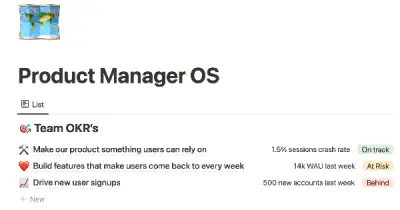
This template provides a simple and effective way to set and track objectives and key results (OKRs) using the popular goal-setting method. With this template, users can easily prioritize their goals and monitor progress towards achieving them. The template comes with a set of frequently asked questions (FAQs) to help users get started with setting and tracking their OKRs. Additionally, users can update key results as needed to stay on track and share their progress with others.

The Lean Canvas is a one-page business model that helps entrepreneurs quickly and easily document their ideas. Unlike traditional business plans, which can take a lot of time and effort to create and are rarely updated or read by others, the Lean Canvas is simple and easy to understand. It provides a quick and efficient way to document your business idea, making it easier to plan, launch, and grow your startup.

To keep track of your project work, try using this template. It allows you to organize your projects into epics, sprints, tasks, and bugs. You can view the database from different angles to see the status of projects, who is working on them, and which product managers are responsible for them. The template also includes pre-made templates for each type of task, which you can customize and add to as needed. Additionally, you can add custom properties to track important information relevant to your projects.