


Idea to MVP


$
0
FREE
This template is a helpful tool for researching ideas that you want to build. It provides a framework for structuring your ideas and validating your assumptions with more realistic goals. Use this template to help you develop your ideas and turn them into successful projects.

Details

Categories

More templates from
Utkarsh Bhimte
This template is a helpful tool for researching ideas that you want to build. It provides a framework for structuring your ideas and validating your assumptions with more realistic goals. Use this template to help you develop your ideas and turn them into successful projects.
Related templates

This template from another company can help you validate your startup ideas before building your product. By adopting a user-centric approach, you can create products that people will love. The template also helps you deliver your product on time using smart time boxing, plan your marketing, and track revenue and costs.


This product is designed to help business owners comply with the GDPR. It provides comprehensive video explainers to ensure that nothing important is missed, as well as access to pre-built templates, checklists, structured records, and an actionable toolbox. In the end, users will be able to inform their customers about how their data is kept safe with privacy and cookie policies, a list of subprocessors, and data processing agreements.


+1 Labs, the innovation lab at Match Group (Tinder, Hinge, Match, OkCupid), developed this roadmap template to help teams prioritize their big bets for the year and maintain a clear vision and focus. The template is designed to provide clarity around what the team wants to pursue and when, allowing them to move forward with confidence and direction. By using this template, teams can better align their efforts and resources towards achieving their most important goals.


XYZ is the leading digital optimization system. It provides insight to adapt experiences to each customer and gives teams a common lens into data. Avoid context switching and link directly to XYZ charts and data. Use this template to conduct context-driven A/B tests and close the loop between data, insight, and action.


In this other product, you can create a meeting agenda and take notes in one accessible location. This allows everyone to have the necessary information and contribute to the discussion. You can also build interactive dashboards by integrating analytics and data visualization tools from Deepnote into your pages on Notion. Additionally, you can query your databases on Notion using Deepnote and display the results as live analytics blocks within Notion.


Post-mortem meetings provide a comprehensive view of projects, unlike other meetings in the project management process. By conducting regular post-mortem meetings after every project, you can build up institutional knowledge that can be used to create structured processes and improve team communication. This template can help you streamline future projects and enhance organizational learning. By using this template, you can improve the effectiveness of your post-mortem meetings and gain valuable insights into your projects.

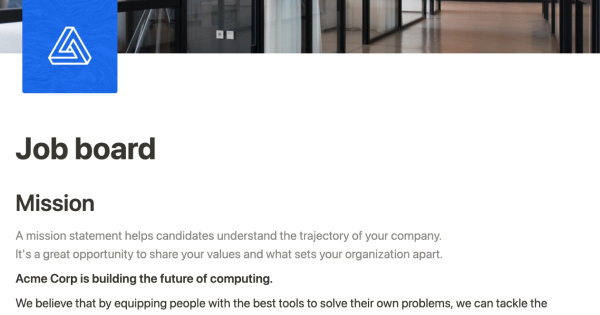
Use this template from Notion to easily list and edit job openings at your company. The platform allows you to make real-time changes to a public-facing job site. You can tag each position with the date and time it was added, as well as the specific team it belongs to. This eliminates the need for a complicated CMS or over-featured system for posting jobs. Simply add the content you want as easily as creating a document and share it with the world.

Use this PRD template to streamline your product management and digital product development processes.


If you try to appeal to everyone, you may not effectively reach anyone. This Notion template can help you identify the best target audience to help your business grow.


Cron is a calendar tool for professionals and teams. As a startup, the company uses Notion to host its help center. The "template" mentioned in the text is a tool that allows others to use the same format and structure as Cron's help center in Notion. The template can be used to share popular support guides, answer frequently asked questions, track feature requests, and more. Using this template can help organizations create a professional and user-friendly help center on Notion.

