$
0
FREE
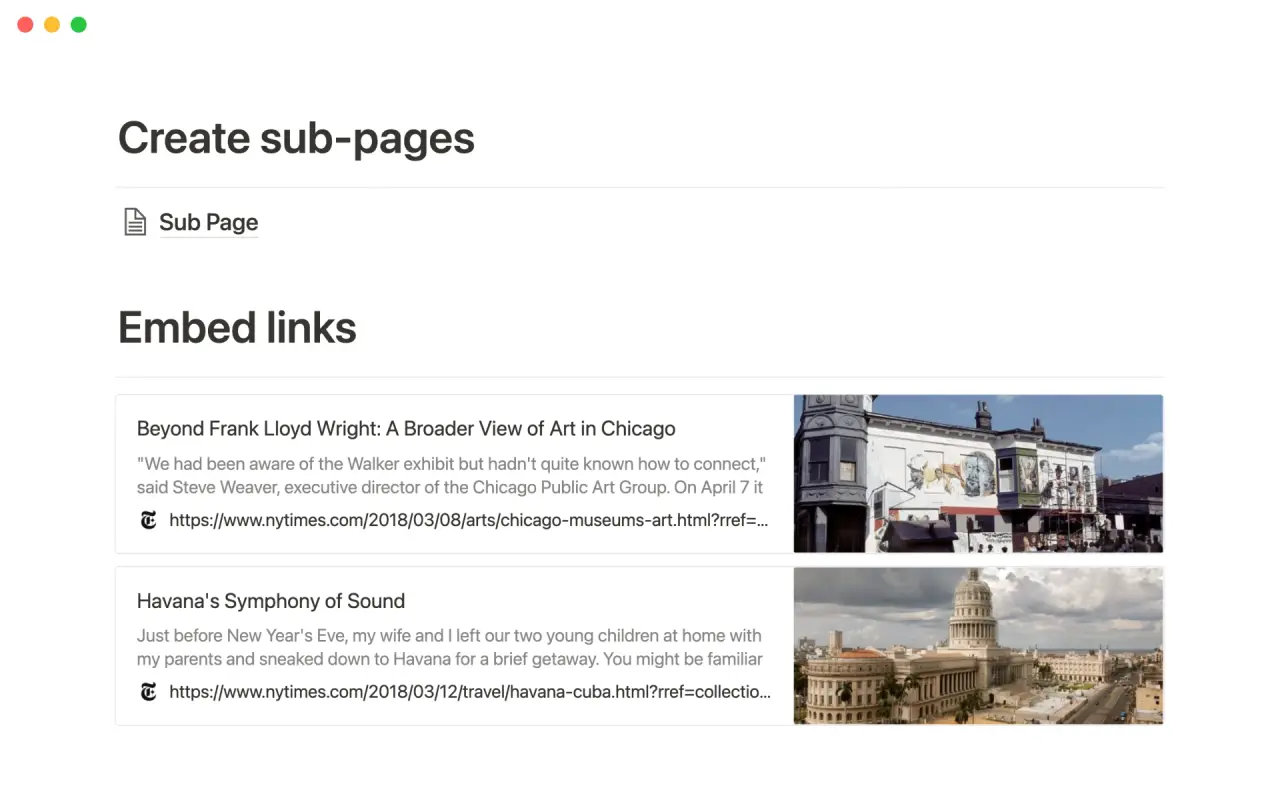
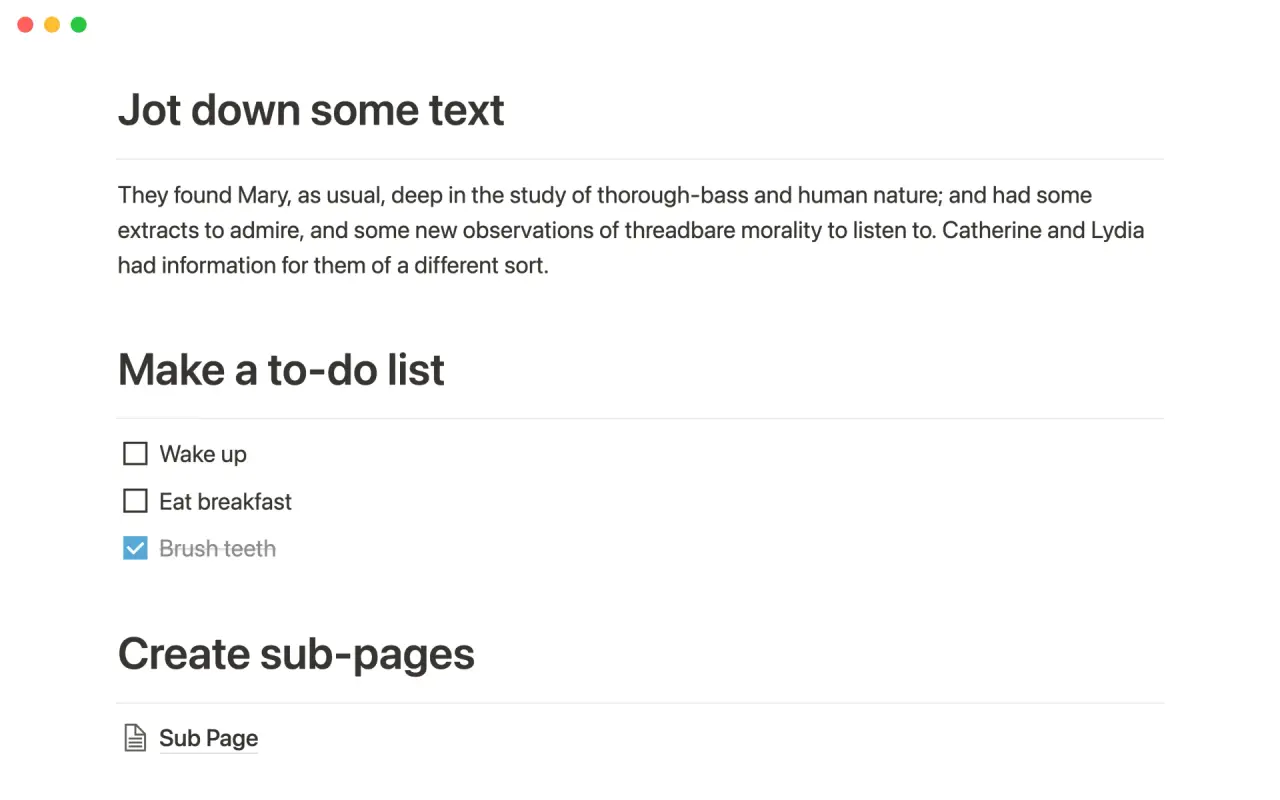
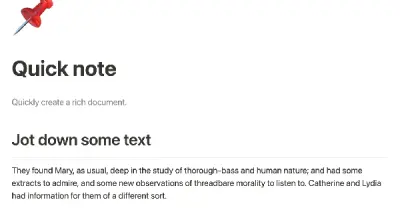
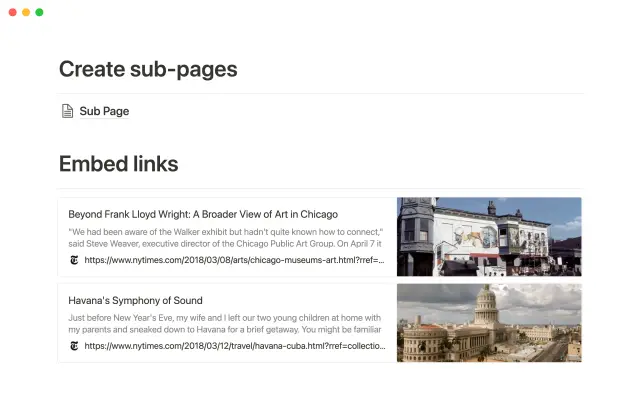
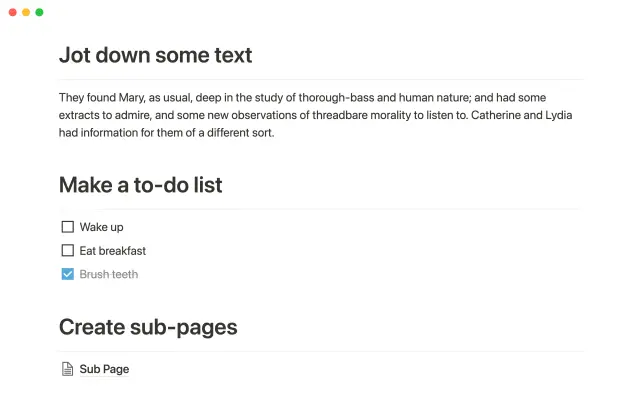
Notion's editing interface offers a high degree of flexibility, allowing you to create simple notes or complex multimedia content. This template provides examples of the different types of content you can add to your notes, including a to-do list with checkboxes, web bookmarks, sub-headings, and sub-pages. With these tools at your disposal, you can quickly capture any information you find helpful in a way that best suits your needs.
Details
Categories


USE
FOR
OFF
Notion's editing interface offers a high degree of flexibility, allowing you to create simple notes or complex multimedia content. This template provides examples of the different types of content you can add to your notes, including a to-do list with checkboxes, web bookmarks, sub-headings, and sub-pages. With these tools at your disposal, you can quickly capture any information you find helpful in a way that best suits your needs.
Categories
Monthly newsletter
No spam. Just the latest releases and tips, interesting articles, and exclusive interviews in your inbox every week.
Thank you! Your submission has been received!
Oops! Something went wrong while submitting the form.
More templates from
Notion

This template allows students to plan their semester or quarter by tracking the weight of assignments, exams, and projects towards their final grade. Students can enter their grades to see how they are doing and prioritize their time accordingly. The template includes formulas to automatically calculate and update the student's progress.

A standard operating procedure (SOP) is a document that outlines how certain tasks or processes should be carried out within a company. Although SOPs can be used for a variety of purposes, the most effective ones share certain characteristics. Here, we have outlined these characteristics to help your team customize this SOP to meet the needs of various departments.

This product is designed to help you plan and write a thesis or dissertation. It includes features that can help you brainstorm and evaluate potential topics, keep track of your sources and notes, and stay on schedule with a timeline of due dates. You can also use this tool to draft your content in the same space, making it easy to keep everything organized and accessible. Overall, this product is intended to provide you with a comprehensive and convenient workspace for working on your thesis or dissertation.

As an interviewer, your goal should be to get to know your candidate and help them feel prepared and confident. That's why at Notion, we have created a guide to help you prepare for interviews with us. We have included tips and resources to help your candidate feel more at ease, as well as customizable templates for different roles and departments. By using these templates, you can provide your candidate with important information, such as videos, links, schedules, and more, to help them prepare for their interview.

You can use this template to manage projects and issues for your whole team. Every member of your team can create new tasks, view the tasks they are assigned to, and track progress. Each card on the board can be opened into its own page to store research, notes, and even sub-tasks in the same place. You can also add tags to each card to designate department and priority, and add the people involved so that everyone knows what their colleagues are working on. This makes it easy to filter and find specific tasks.

Track your habits and stay accountable by using this table. Simply replace the existing column titles with the habits you want to track. You can check off items, enter numerical data, or even write text to build a journaling habit. Each day, create a new row and record your progress. Use filters and sums to track your progress over time and monitor any trends. This table is great for daily challenges or keeping track of your habits.

In the 1940s, Walter Pauk, a professor at Cornell University, created a new method of taking notes to help college students organize, condense, and understand the material they were learning. This system has been shown to be very effective as a learning tool. Here, we will explain how to use it in Notion.

Increasing brand awareness is an important aspect of a marketing strategy. Our team at Notion loves to share information about new features and help others promote their product. We have created an influencer template to keep track of upcoming sponsorships and important creator details such as subscriber count, cost, platform, and more. This template can serve as a central hub for all your influencer resources and assist your team in managing sponsorships.
Related templates

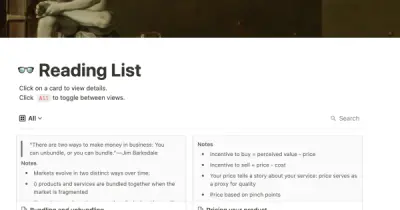
A shared reading list is a great way for your company to learn together. Many teams simply post links to interesting articles, podcasts, or videos in Slack, but these quickly get buried by other messages and few people actually follow up on them. This template allows you to create a central list of interesting readings where everyone on your team can contribute and engage with the material whenever they have a chance. This way, you can keep track of your team's learning progress and make sure everyone has access to valuable resources.

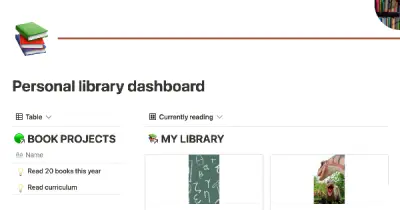
Joel Rochester has created the ultimate dashboard for avid readers. With this tool, you can track all the books you own and keep track of your favorites and series. You can set a yearly reading goal and see your progress in real-time as you finish each book. Additionally, you can add links to your favorite book-related websites for easy reference. This is everything a book lover needs to have a fantastic year of reading.

This template is perfect for language learners who want to keep all of their learning materials in one place. It offers a tidy alternative to notebooks and allows you to create flashcards for the words and phrases you learn. With this resource, you can easily access all of your language learning content in one convenient location.

This digital stoic calendar, made with love in Notion, offers an improved journaling experience. Choose from 5 different writing prompts inspired by Stoic philosophy, add your own stoic sayings, and even do weekly reviews to bring more clarity to your life. This lightweight tool offers a new way to journal and reflect on your experiences.

Capture links from other sources using Notion's web clipper or file organizer and organize them in a reading list for easy access. Quickly import your Readwise readings into your reading list for even more resources to choose from. Create collections of links by tagging them with relevant categories to make it easier to search for old links. Keep track of recently read articles and save the most useful ones for later in your "saved for later" list.Connect the links you want to share with others to your contacts database for easy sharing.

Notion's editing interface offers a high degree of flexibility, allowing you to create simple notes or complex multimedia content. This template provides examples of the different types of content you can add to your notes, including a to-do list with checkboxes, web bookmarks, sub-headings, and sub-pages. With these tools at your disposal, you can quickly capture any information you find helpful in a way that best suits your needs.

Did you know that you can use Notion to build your entire blog? This template offers a format for your posts, allowing you to include writing and images in a variety of configurations. You can also create a blog homepage that links out to all of your posts. The gallery view is especially useful for showcasing the images in your posts. With this template, you can easily create and manage a blog on Notion.

This reading tracker template is designed for readers of all skill levels. In addition to tracking all of your books, it includes built-in book notes templates for journaling your fiction and non-fiction reads, a total summary widget that automatically generates statistics about your reading journey, a reading profile, and a section for setting reading goals. This template is both robust and easy to use.