$
0
FREE
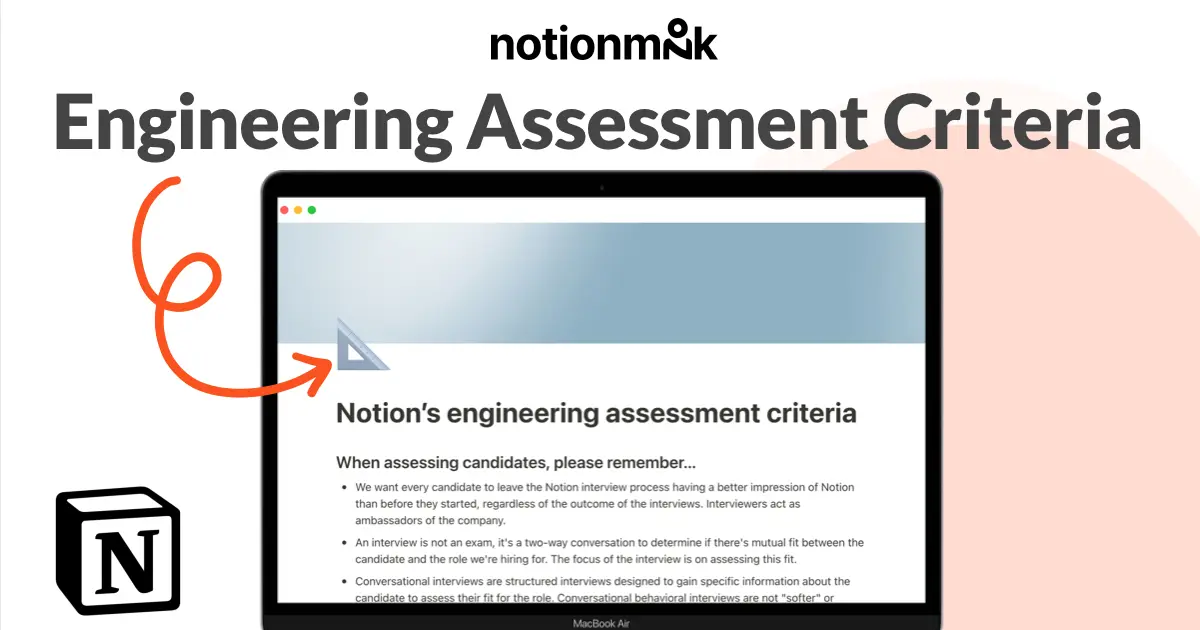
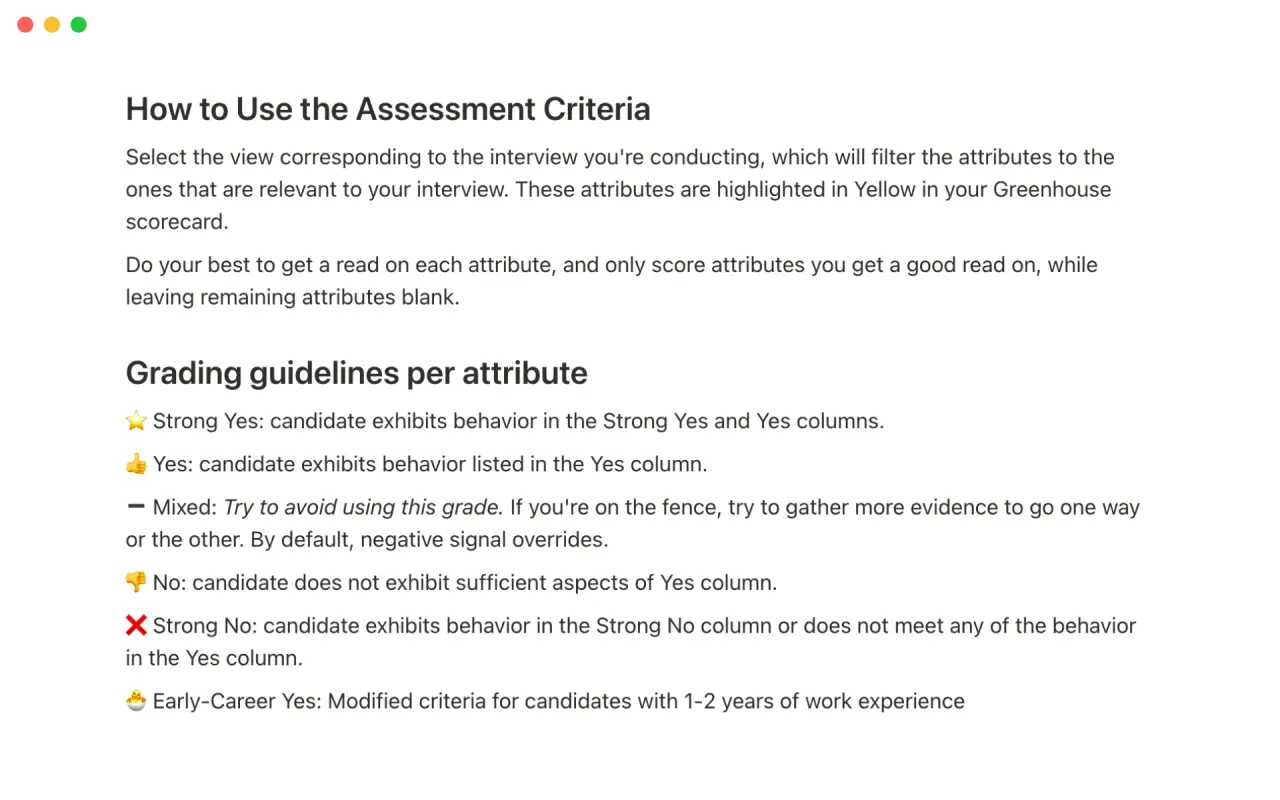
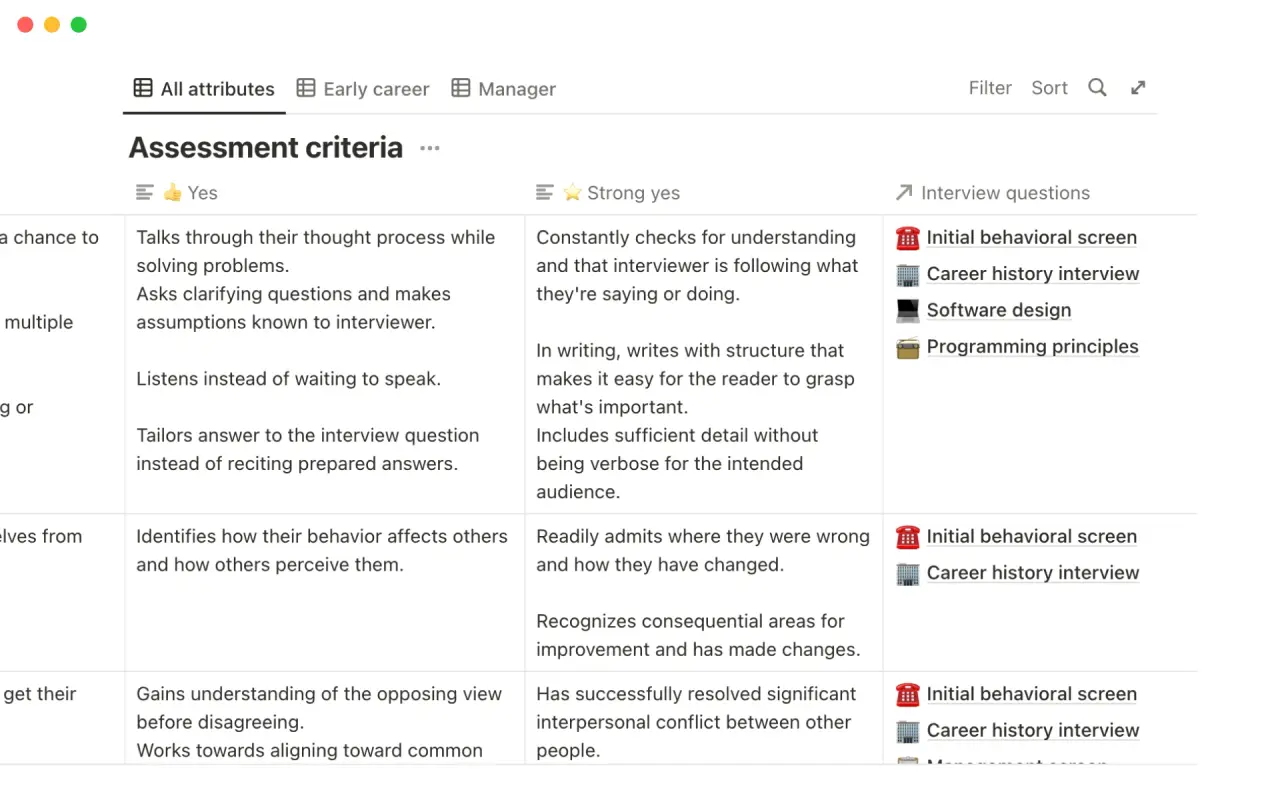
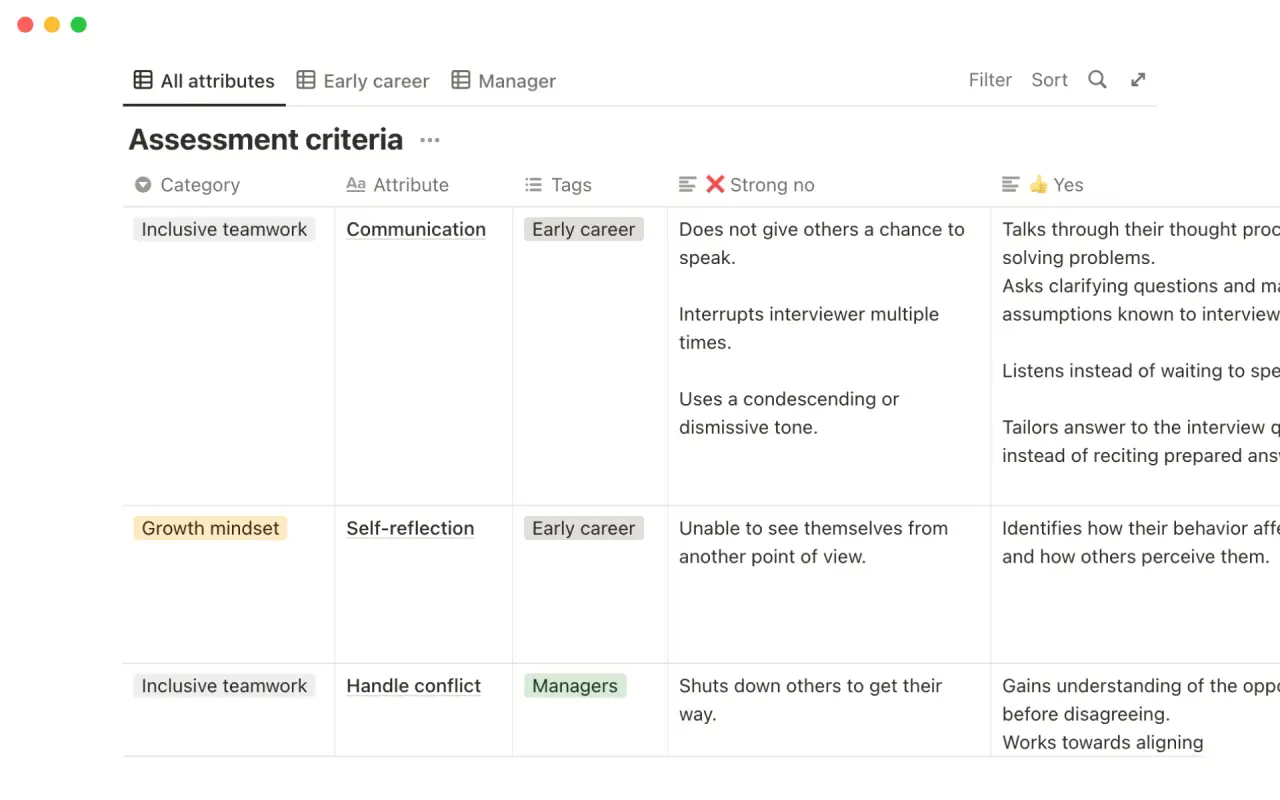
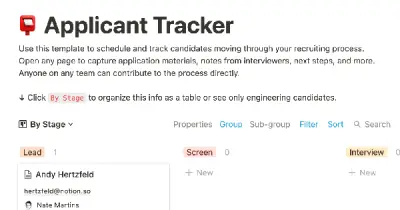
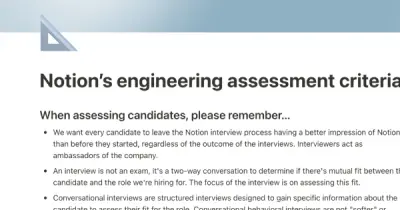
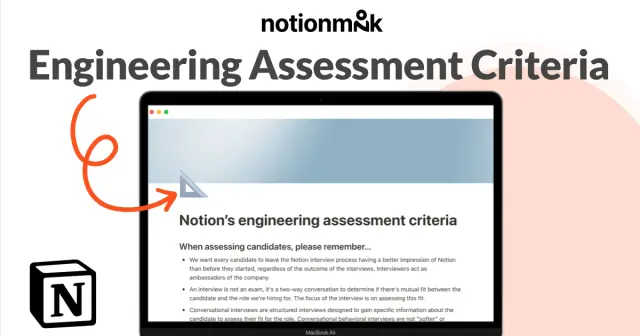
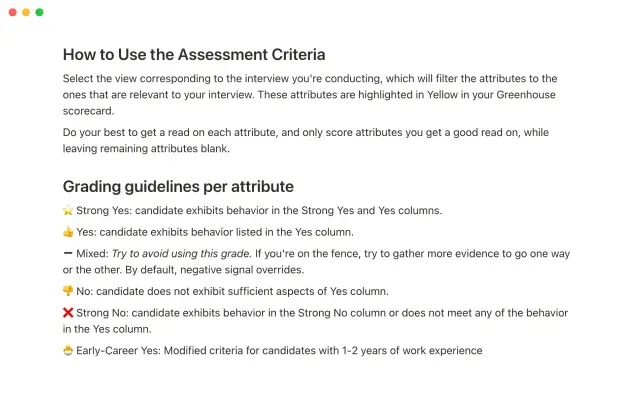
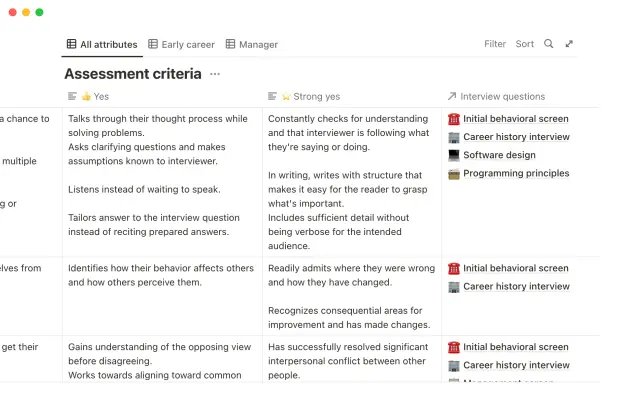
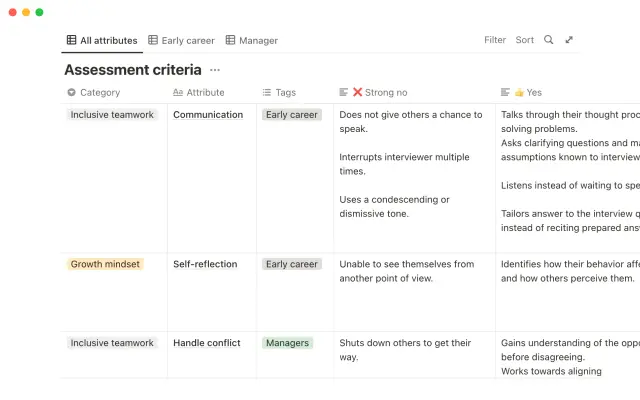
At Notion, we understand the importance of consistency in the interview process in order to accurately evaluate a candidate's skills. That's why we have created a thorough rubric to help us stay objective when hiring engineers. Use this template to filter assessment criteria by role, and get examples of good and bad signals during an interview. This template can help you improve your interview skills and find the right engineers for your company at any level.
Details
Categories


USE
FOR
OFF
At Notion, we understand the importance of consistency in the interview process in order to accurately evaluate a candidate's skills. That's why we have created a thorough rubric to help us stay objective when hiring engineers. Use this template to filter assessment criteria by role, and get examples of good and bad signals during an interview. This template can help you improve your interview skills and find the right engineers for your company at any level.
Categories
Monthly newsletter
No spam. Just the latest releases and tips, interesting articles, and exclusive interviews in your inbox every week.
Thank you! Your submission has been received!
Oops! Something went wrong while submitting the form.
More templates from
Notion

This template allows students to plan their semester or quarter by tracking the weight of assignments, exams, and projects towards their final grade. Students can enter their grades to see how they are doing and prioritize their time accordingly. The template includes formulas to automatically calculate and update the student's progress.

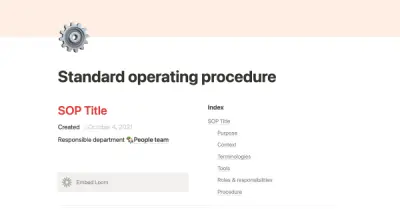
A standard operating procedure (SOP) is a document that outlines how certain tasks or processes should be carried out within a company. Although SOPs can be used for a variety of purposes, the most effective ones share certain characteristics. Here, we have outlined these characteristics to help your team customize this SOP to meet the needs of various departments.

This product is designed to help you plan and write a thesis or dissertation. It includes features that can help you brainstorm and evaluate potential topics, keep track of your sources and notes, and stay on schedule with a timeline of due dates. You can also use this tool to draft your content in the same space, making it easy to keep everything organized and accessible. Overall, this product is intended to provide you with a comprehensive and convenient workspace for working on your thesis or dissertation.

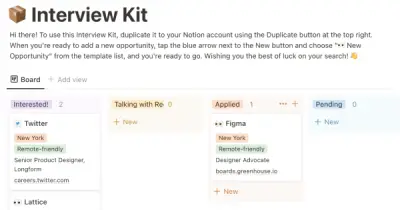
As an interviewer, your goal should be to get to know your candidate and help them feel prepared and confident. That's why at Notion, we have created a guide to help you prepare for interviews with us. We have included tips and resources to help your candidate feel more at ease, as well as customizable templates for different roles and departments. By using these templates, you can provide your candidate with important information, such as videos, links, schedules, and more, to help them prepare for their interview.

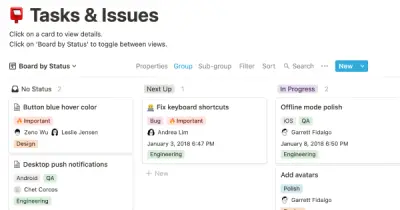
You can use this template to manage projects and issues for your whole team. Every member of your team can create new tasks, view the tasks they are assigned to, and track progress. Each card on the board can be opened into its own page to store research, notes, and even sub-tasks in the same place. You can also add tags to each card to designate department and priority, and add the people involved so that everyone knows what their colleagues are working on. This makes it easy to filter and find specific tasks.

In addition to academics, many students are involved in extracurricular activities like clubs and organizations. Notion is an excellent tool for managing information related to these groups and activities. With this template, you can create institutional knowledge, keep it organized, capture ideas, and keep everyone on the same page. Use this template to manage your clubs and teams effectively and efficiently.

Track your habits and stay accountable by using this table. Simply replace the existing column titles with the habits you want to track. You can check off items, enter numerical data, or even write text to build a journaling habit. Each day, create a new row and record your progress. Use filters and sums to track your progress over time and monitor any trends. This table is great for daily challenges or keeping track of your habits.

In the 1940s, Walter Pauk, a professor at Cornell University, created a new method of taking notes to help college students organize, condense, and understand the material they were learning. This system has been shown to be very effective as a learning tool. Here, we will explain how to use it in Notion.
Related templates

To keep track of your project work, try using this template. It allows you to organize your projects into epics, sprints, tasks, and bugs. You can view the database from different angles to see the status of projects, who is working on them, and which product managers are responsible for them. The template also includes pre-made templates for each type of task, which you can customize and add to as needed. Additionally, you can add custom properties to track important information relevant to your projects.

This job board template is designed to help nonprofit organizations manage and organize job postings with ease. It allows you to create a list for each department with open roles and use properties to show the location and date/time of each posting. This way, you can keep track of all open positions and make sure the right people see them.

With this template, it's easy to stay connected with the people who matter most to you. The template lets you see who you haven't talked to in a while, set reminders to reach out, take notes on what to follow up on, and view your favorite memories in a gallery. It also helps you assess the value of each relationship from different angles, such as shared interests, qualities, and how you feel around the person. This makes it easier to decide whether a relationship is still worth your time and energy.

At Notion, our culture is a reflection of our work and vice versa. Our careers page is tailored to highlight our commitment to empowering toolmakers and providing insight into daily life at our company. This template can be used to showcase all aspects of your company's culture and easily add and update job listings.

This 100 days of code template allows you to track your progress and build accountability. With all 100 days already set up in advance, all you need to do is fill in the topic, difficulty, and language for each day. You can also document what you've learned on each day's subpage to keep a record of your programming knowledge.

This template provides a simple and effective way to set and track objectives and key results (OKRs) using the popular goal-setting method. With this template, users can easily prioritize their goals and monitor progress towards achieving them. The template comes with a set of frequently asked questions (FAQs) to help users get started with setting and tracking their OKRs. Additionally, users can update key results as needed to stay on track and share their progress with others.

This template offers a simple way to set and track OKRs (Objectives and Key Results). By using this popular goal-setting method, you can set clear priorities for your team or organization. You can track progress by updating the Key Results, and share this information with others. The template includes an FAQ with helpful tips for setting OKRs and using the template effectively.

Bias, prejudice, and bullying are common in the workplace, but there are few tools available for addressing and rectifying these issues. If left unaddressed, these problems can cause serious damage to a company. Bestselling author Kim Scott and veteran Chief People Officer Trier Bryant have developed a new framework called Just Work to help teams tackle these issues. The framework is available in a Notion template, which provides practical steps for logging injustices, identifying your role in addressing the issue, planning a response, and pushing your team towards a fair outcome.