$
0
FREE
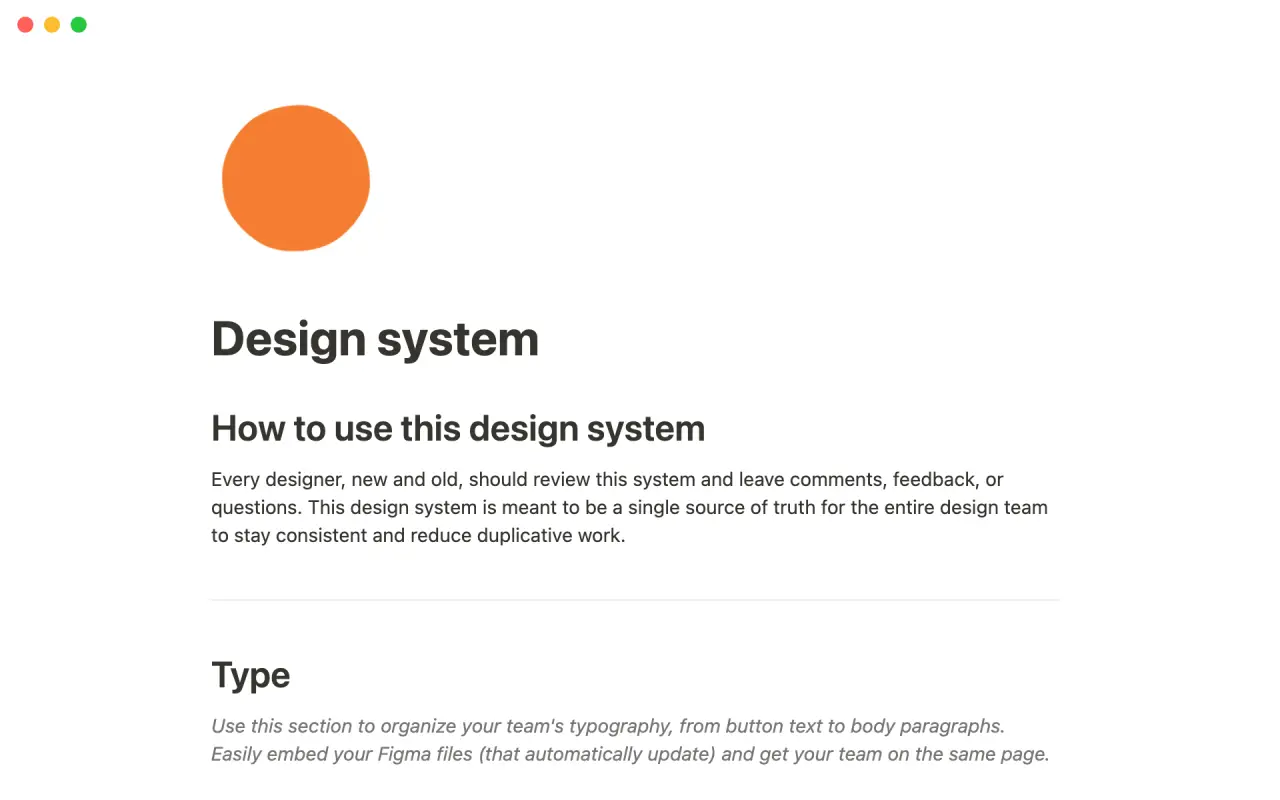
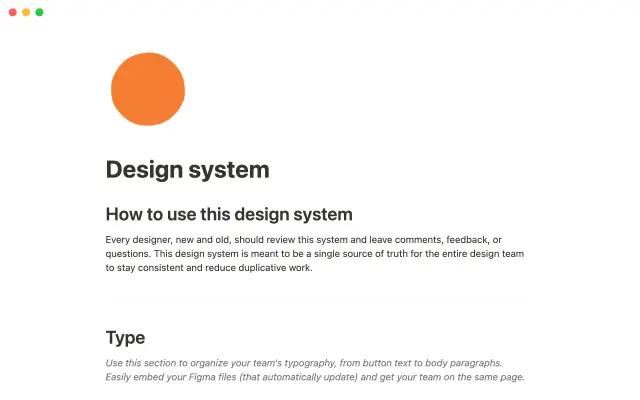
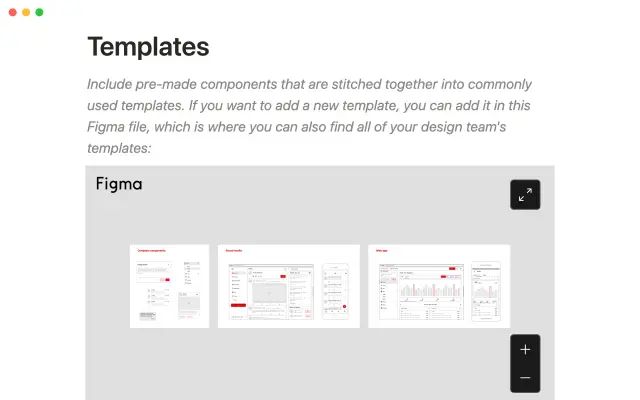
Headspace's design system is a template that helps teams store and access shared design resources. The system is intended to serve as a single source of truth for teams, helping them maintain consistency and avoid duplicating work. By using the template, teams can ensure that they are always using the most up-to-date design resources.


USE
FOR
OFF
Headspace's design system is a template that helps teams store and access shared design resources. The system is intended to serve as a single source of truth for teams, helping them maintain consistency and avoid duplicating work. By using the template, teams can ensure that they are always using the most up-to-date design resources.
More templates from
Headspace

Headspace's design system is a template that helps teams store and access shared design resources. The system is intended to serve as a single source of truth for teams, helping them maintain consistency and avoid duplicating work. By using the template, teams can ensure that they are always using the most up-to-date design resources.
Related templates

Starting a business can be challenging, and there's no one-size-fits-all manual that can guide you through the process. That's where the Shopify Business Blueprint comes in. This template is designed to provide you with the tools, skills, and knowledge you need to start your own business. It's filled with insights and exercises that are tailored to help early-stage entrepreneurs move from ideation to execution and beyond. By using this template, you can gain the knowledge and confidence you need to turn your business ideas into a reality.

This resource is designed for the Notion community and provides pre-built automations for common workflows. Building automations requires some skill, but figuring out what to automate can be challenging. The Notion Automation Hub makes it easy to get started with automations by providing a variety of resources, including an automations datalog, database templates, learning resources, and a creator library. With just a few clicks, users can begin automating their workflows and saving time.

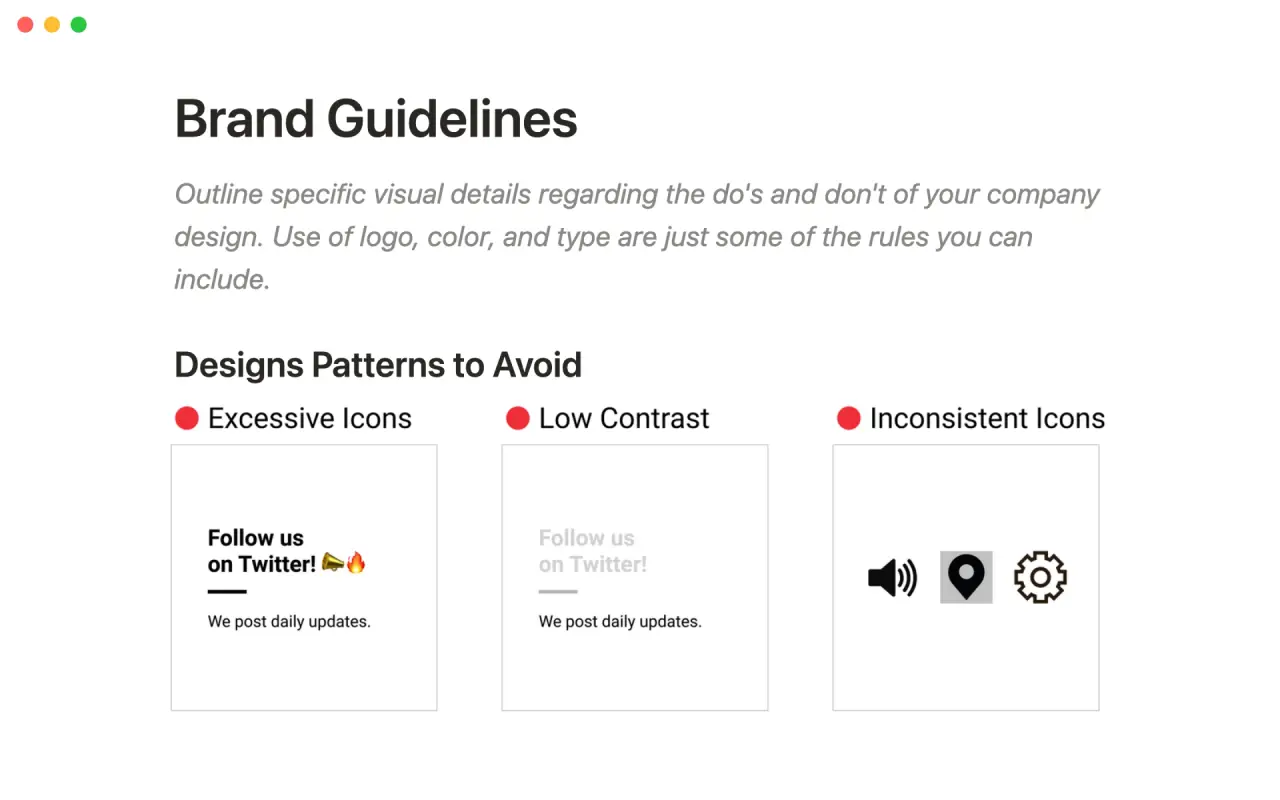
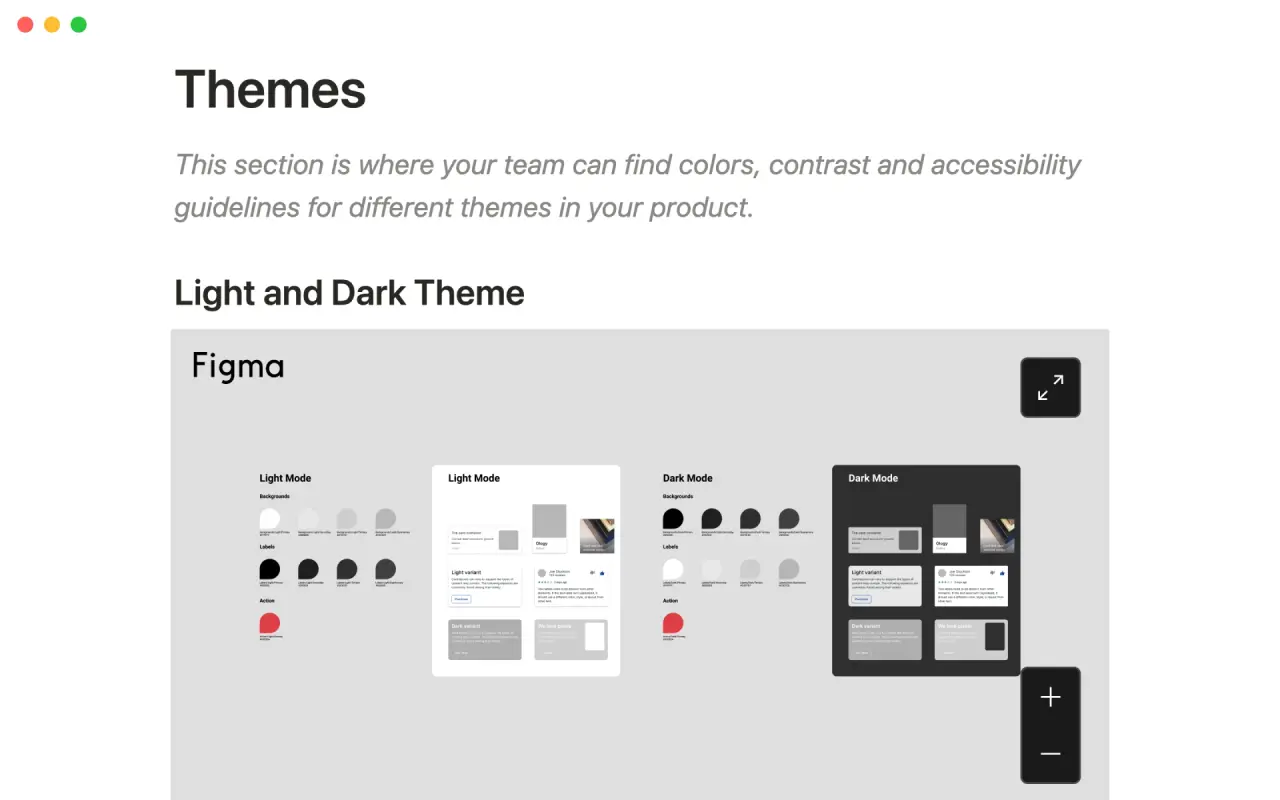
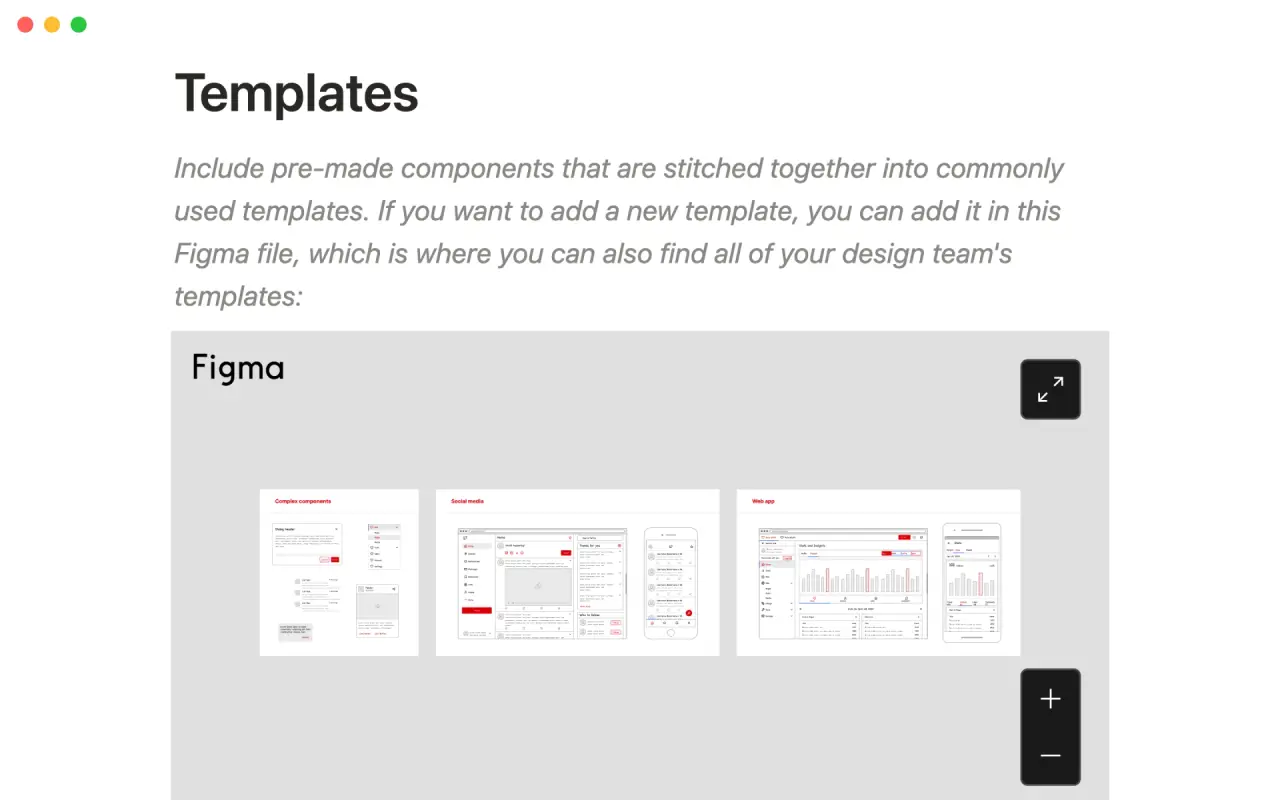
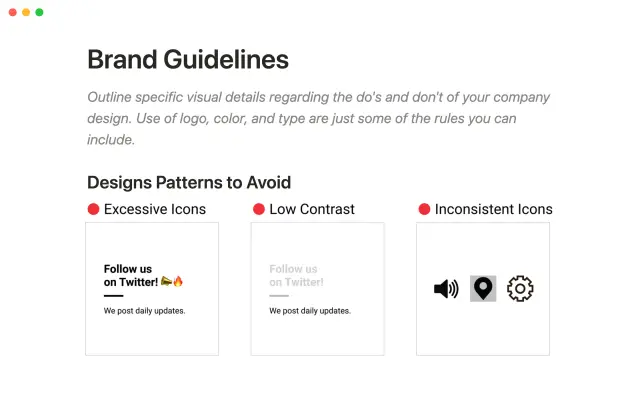
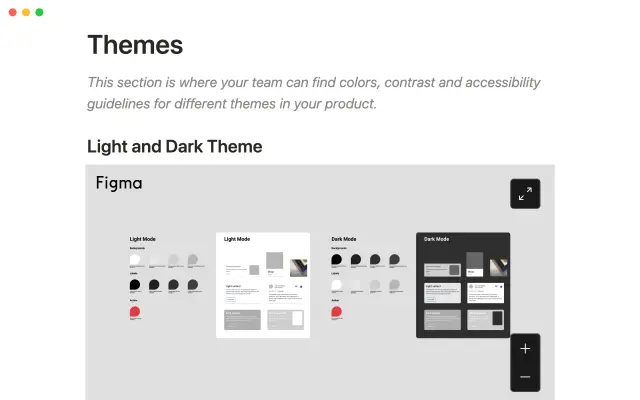
A design system can help promote consistency and alignment among team members. This template can be used to document design patterns, assets, and brand guidelines, and make assets easily accessible to all team members. By using this template, teams can ensure that their designs are consistent and on-brand.

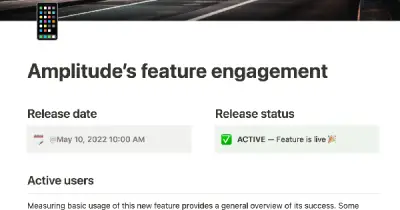
Amplitude is a digital optimization platform that provides insights to help teams adapt their customer experiences and gain a common understanding of their data. Amplitude now allows users to link directly to behavioral data in Notion, giving teams a seamless way to integrate their data and insights into their workflows. This template can be used to identify opportunities for conversion and create impactful digital experiences by leveraging the power of Amplitude's insights.

The following is a Product Requirement Document (PRD) or Product Spec template designed specifically for product managers in the tech industry. This template allows you to easily build a spec and track pain points, users and personas, implementation plans, and success criteria. The creator of this template built it because they found it difficult to keep track of all the relevant parts of a PRD using more conventional tools. One of the main advantages of using this template in Notion is that it allows you to maintain a clean, high-level overview while linking to more detailed pieces of information. Additionally, the "Relations" feature in Notion can be used to link users to user stories and features, ensuring that you always know for whom you are building something and what pain you are trying to solve.

As a fast-paced startup, Harmonic relies on Notion to keep track of projects and deadlines. As part of our webinar series, we invited Notion expert Marie Poulin to conduct a live review of Harmonic's project database and make improvements in real-time. You can use the template they developed to stay organized and on top of project work across your team.

Use this template from Notion to easily list and edit job openings at your company. The platform allows you to make real-time changes to a public-facing job site. You can tag each position with the date and time it was added, as well as the specific team it belongs to. This eliminates the need for a complicated CMS or over-featured system for posting jobs. Simply add the content you want as easily as creating a document and share it with the world.

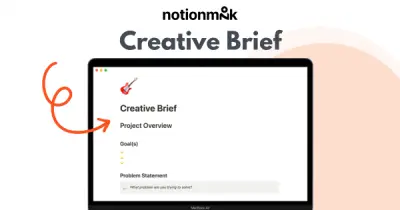
This creative brief is a tool that allows you to organize all the important information and materials for your creative project in one place. It includes sections for goals, deliverables, timeline, budget, and more, so you can get everyone on the same page and move forward with clarity. Whether you're working with internal or external teams, this brief will help you set clear expectations and keep your project on track.

The Notion team regularly holds all-hands meetings to align on goals and celebrate successes. Rather than using traditional presentation tools like Powerpoint or Google Slides, the team uses Notion pages to create interactive, informative presentations. This allows them to easily link to other pages, embed multimedia content, and document the company's progress in a centralized location. Using Notion for these presentations helps the team stay organized and engaged, leading to more productive and effective meetings.

This template can be used to keep all of your sales documentation and projects organized and in one place. Simply replace the sample content with your own information to get started. By using this template, you can ensure that all of your sales-related information is easy to find and access, which can help you stay organized and on top of your tasks. This can save you time and help you be more productive, so you can focus on what matters most: growing your business.